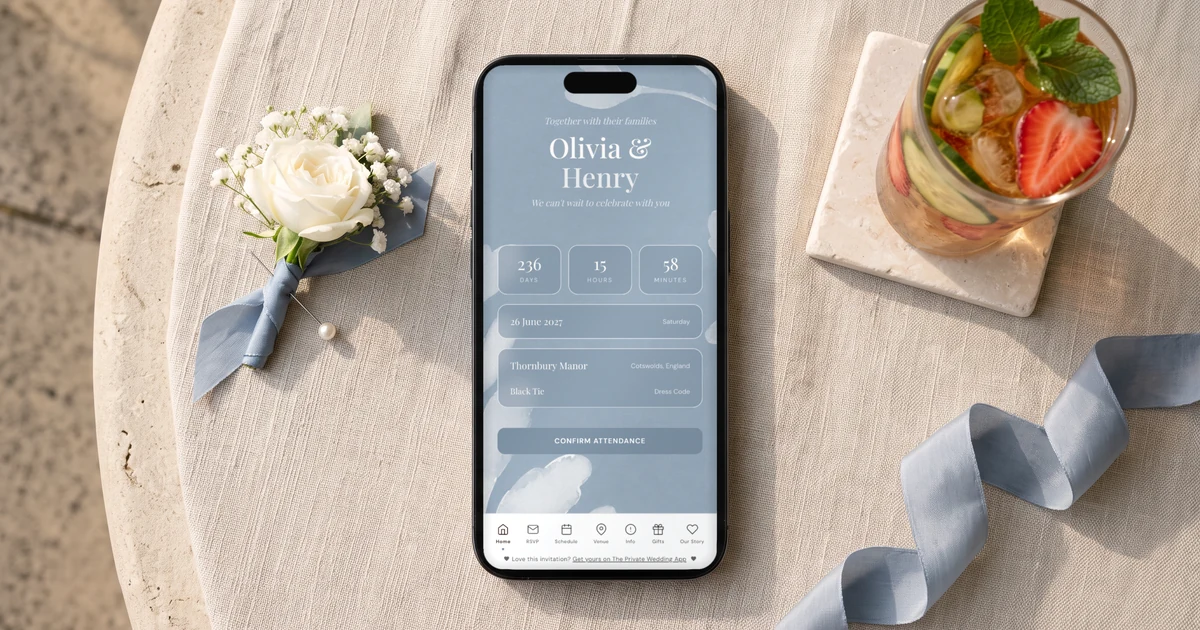
Yes. On The Private Wedding App, the wedding planner with the invitation, RSVP, guest list, seating plan and budget in one place, the "Send by SMS" card on your guest list texts every guest on a UK number their own invitation link in one go, day guests and evening guests each with their group's link, and later texts only the guests who have not replied when you tick "Only guests who have not replied". It is a one-off message pack for your wedding: 500 texts for £49 or 250 for £25. The WhatsApp button on each guest and "Email the invitation" stay free. Pay £159 once for lifetime access, or £17.99 a month. 3-day free trial.
£17.99 a month
3 days free, then £17.99/month. No commitment, stop whenever you want.
Try it free for 3 days →Your friends live on WhatsApp, but your nan, two great-aunts and half of your partner's dad's side read their texts and nothing else. You want everyone invited the same week, the day guests and the evening guests each looking at the right timings, and in March you will need to chase the twenty people who still have not replied. This guide shows how to text every guest their own invitation link in one send from your guest list, what it costs in pounds, how the reminder text works, and which free channels cover the guests the texts do not.
What your guests receive
A text that opens with your names ("Sophie & James: ..."), then your message and a link that belongs to that guest. The sender shown is WeddingApp, a name rather than a number, so guests cannot reply to the text itself: they reply where it counts, on the invitation.
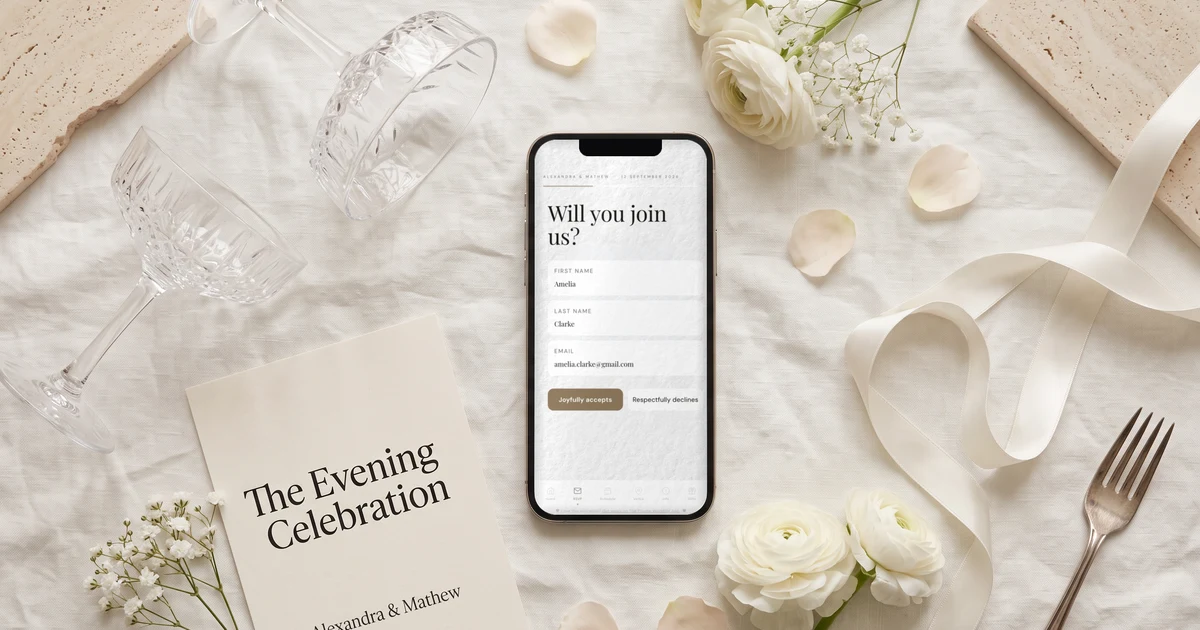
The link opens your invitation in the phone's browser, with no app and no account: your names, the day's timings, the venue, the dress code and the RSVP. Day guests choose their wedding breakfast, evening guests only see the evening and skip the meal question. Each reply lands straight in your guest list.
What the invitation can carry is on the digital wedding invitation page.
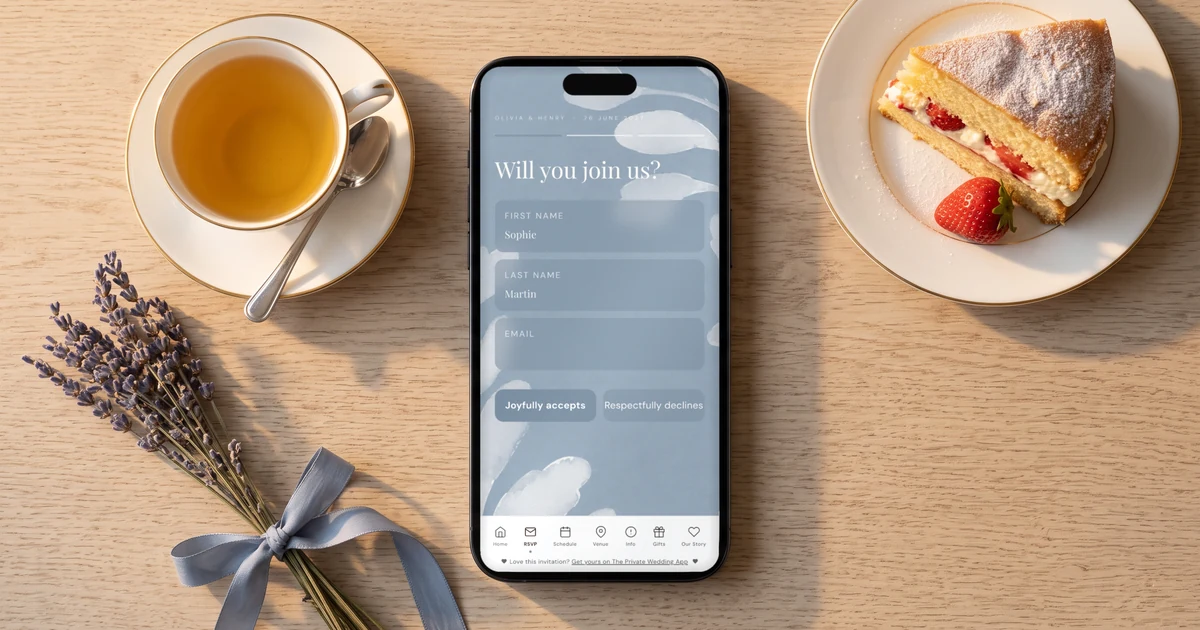
Before you send: day guests, evening guests, numbers
If some guests are invited to the whole day and others only to the evening, set that up first, so each text carries the right link. In the builder's RSVP Settings tab, turn on "This wedding has multiple events" (it is off by default) and add the ceremony, the wedding breakfast and the evening reception. On the Guests page, a "Groups & links" card appears: create Day guests and Evening only, tick their events, and put each guest in their group.
Add phone numbers in full international format, +44 7..., or set the country for numbers written without it. Paste them in with "Import list", or drop your spreadsheet into the assistant chat. Numbers the card cannot read for certain are listed for you to check, never guessed.
The day and evening set-up is explained in the day and evening guests guide.
- "This wedding has multiple events" on, ceremony, wedding breakfast and evening added
- Day guests and Evening only groups, every guest in one
- Numbers as +44 7..., or the country set for numbers without +
- A reply-by date on the invitation
Send by SMS: everyone in one go
Open the "Send by SMS" card on the Guests page. Under who gets it, pick "All guests", one invite group or "No group". Sending group by group lets the evening text say "The evening starts at 7.30pm" while the day text says something longer. Write your message once: your names are added at the start automatically.
Before anything leaves, the card shows exactly what a guest will receive and how many messages the send uses. Then press send. Guests already texted are skipped unless you tick "Also guests I already texted", and two guests sharing a number get one text. For a long list, the provider lets a few dozen texts out per hour, so the rest goes out by itself over the following hours, during the day, with nobody texted twice.
The card, the open countries and the character count are on the text wedding invitations page.
What it costs in pounds
The texts come from a one-off message pack for your wedding, bought on the card: 500 messages for £49, or 250 for £25. Prices are in pounds when most of your guests' numbers are British. One message is one text of up to 160 characters, link included; a longer text uses two or three messages per guest, and the card tells you before you send. Characters that would make a text cost double (curly quotes, some accents) are swapped for plain ones automatically. Texts the provider refuses are not charged.
A guide: 120 guests with a mobile number, one short invitation text each plus one reminder to the 40 who are still pending, is 160 texts, inside the 250 pack. The pack needs an active plan, trial or paid. The plan itself is £159 once for lifetime access, or £17.99 a month.
Chase the ones who haven't replied
Three or four weeks before your reply-by date, filter the guest list on Pending and you see who is left. To text only them, open the Send by SMS card again, pick the group if you want, and tick "Only guests who have not replied". Guests who have answered are left out, so nobody who said yes in January gets nagged in March.
Pair it with email if you like: "Remind guests who haven't replied by email" in the RSVP Settings tab (off by default, it needs a reply-by date) sends pending guests with an email address up to two reminders before the date. And when your nan rings to say yes, set her status by hand with the menu on her row.
Timings for invitations and reply-by dates in the UK are in when to send wedding invitations.
The free channels, for everyone else
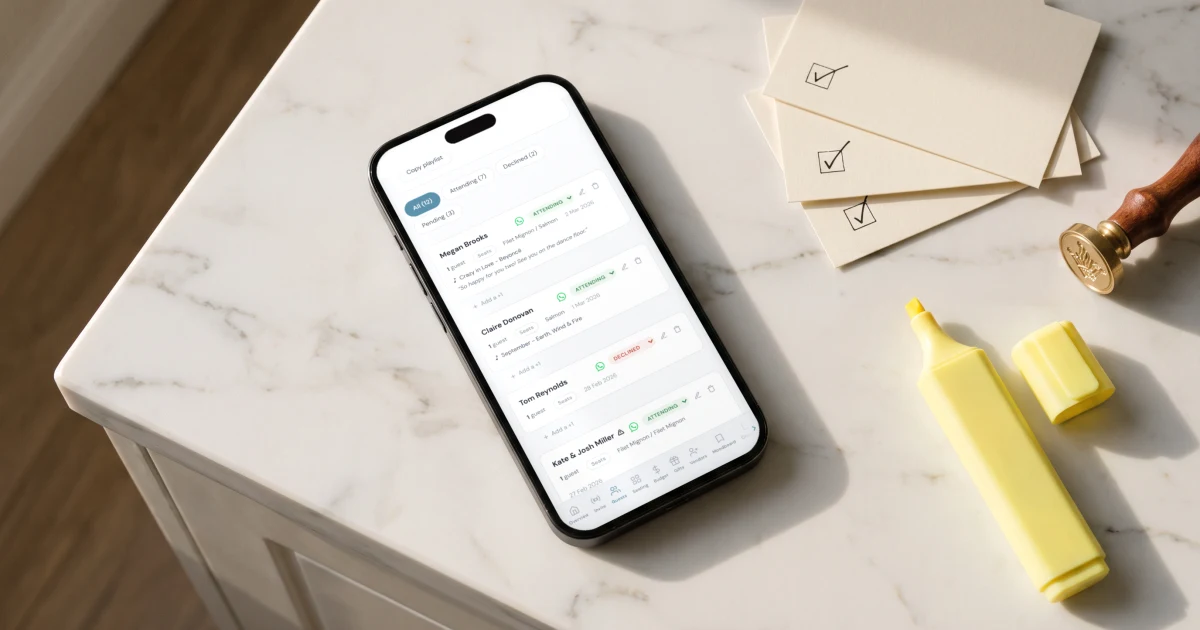
Every guest row has a WhatsApp button that opens WhatsApp on that guest's number with your message and their own group link typed in: you press send from your own phone, free. "Start sending" turns a long list into a progress bar that ticks guests off as you go. "Email the invitation" sends every guest with an email address their own link in one go, after a preview, included in the plan.
Where the SMS pack does not reach yet: the US and Canada, Australia, the UAE, India and other countries outside the list are counted on the card as not open for SMS yet. If some of your guests have numbers there, a free "Text message" option appears under "Send invitations with": each tap opens a text from your own phone with that guest's link, and on an iPhone "Send to everyone from your iPhone" sends to all of them in one go through the Wedding Texts shortcut in the Apple Shortcuts app.
Open countries for the pack today: the UK, Ireland, France, Germany, Italy, the Netherlands, Belgium, Spain, Portugal, Switzerland, Austria, Luxembourg, Denmark, Sweden, Norway, Finland and Poland. Getting married in the US instead? Text message wedding invitations from your own phone covers the free route there.
Sources
The Private Wedding App, checked 19 November 2026: pricing (£159 once for lifetime access, or £17.99 a month), Send by SMS (500 texts £49, 250 texts £25), RSVP per event and invite groups, WhatsApp invitations.
Joy, checked 19 November 2026: pricing page (free to use; "optional upgrades, like custom domain names, text messaging, and premium designs", no price shown for text messaging).
Send yourself the first text
Create your wedding, add your day and evening groups, put yourself on the list with your own mobile and send yourself the invitation: you will see exactly what your guests receive before anyone else does. Pay £159 once for lifetime access, so your invitation stays online and your planner stays open with nothing to renew, or pick the £17.99/month plan. Both are on the pricing page. The monthly plan starts with a 3-day free trial.
Everything you need, in one place
Planning your own wedding without a planner is entirely achievable.
See it for yourself.
Explore the whole platform: cinematic invitation, RSVP with meals and allergies, guest list, seating chart, budget, vendors, checklist, moodboard, guest photo and video sharing and the AI planner. No account needed.
Try the full planner →Can a wedding app text all my guests their invitation?
Yes. On The Private Wedding App, the Send by SMS card on the Guests page texts every guest on a UK or European number their own invitation link in one go, with your names at the start of the text. It uses a one-off pack: 500 texts for £49 or 250 for £25.
Can it text only the guests who haven't replied?
Yes. Tick "Only guests who have not replied" on the Send by SMS card and the text goes only to guests still pending. Guests already texted are skipped unless you tick "Also guests I already texted".
Can day guests and evening guests get different texts?
Yes. With "This wedding has multiple events" on and a Day guests and an Evening only group, pick one group at a time on the card: each guest receives their group's link, which shows only their part of the day, and you can write a different message for each send.
Can guests reply to the text?
Not to the text itself: it comes from the sender name WeddingApp, which cannot receive replies. Guests reply on the invitation, and their answer lands in your guest list.
How many texts will I need?
One per guest for a text of up to 160 characters including the link, so roughly one per household plus your reminders. The card shows the exact count before you send. Two guests sharing a number get one text.
What about guests with numbers abroad?
Numbers in Ireland and most of Western Europe are covered by the same pack. US, Canadian, Australian, UAE and Indian numbers are not open yet: those guests get the WhatsApp button, Email the invitation, or the free Text message option from your own phone, which appears as soon as such numbers are on your list.
How much does it cost?
£159 once for lifetime access, or £17.99 a month, plus the optional text pack if you want the one-send SMS: £49 for 500 texts or £25 for 250. WhatsApp sending and Email the invitation are included. 3-day free trial.