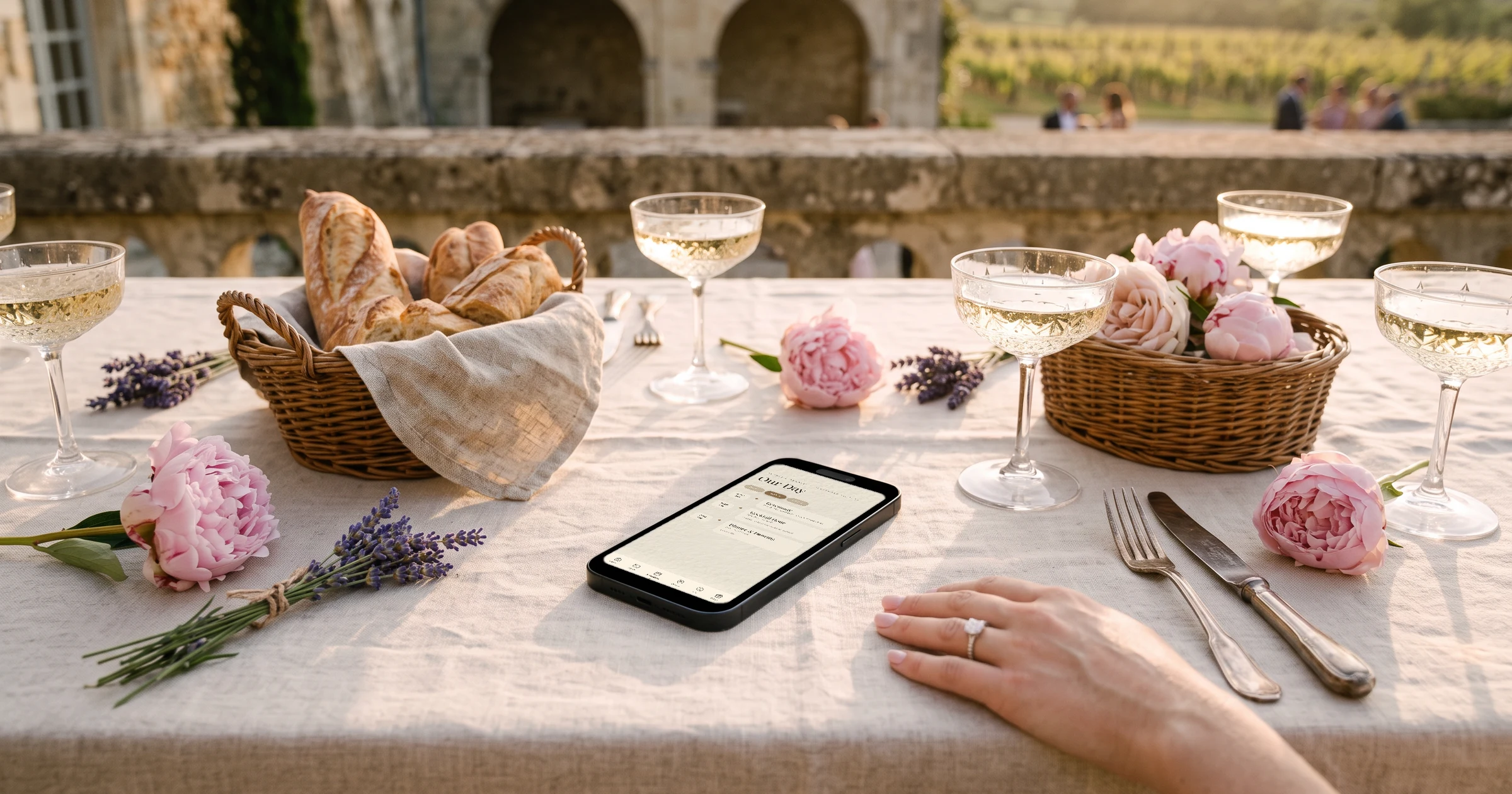
For a wedding in France with French and English-speaking guests, The Private Wedding App gives you one invitation link where each guest picks English or French when they open it, and the buttons, RSVP form and menus switch with them. You add the welcome drinks, the wedding day and the Sunday brunch as separate events so guests answer each one, choose their dinner and flag allergies, and a separate group link lets vin d'honneur guests see only the ceremony and the drinks. It costs $189 once for lifetime access, or $19.99/month (€189 or €19.99 in the eurozone). 3-day free trial.
One of you is French, the other is not, and the wedding is in France. Half the guests will read the invitation in French, the other half in English, and a few grandparents will only read one of the two. The weekend has three parts: welcome drinks on the Friday, the wedding day on the Saturday with the mairie, the ceremony, the vin d'honneur and the dinner, then a brunch on the Sunday. Some guests are invited to all of it, some only to the vin d'honneur, and the caterer wants dinner choices and allergies a few weeks before. Printing two sets of cards and keeping two spreadsheets is how most couples start, and it is where the mix-ups come from. This guide walks through the whole weekend in order and shows how to run it from one invitation that every guest reads in their own language.
Write the weekend down in the order guests will live it
A French wedding weekend usually has more moving parts than English-speaking guests expect. The legal marriage happens at the mairie, often in the late morning or early afternoon, and only the civil ceremony there makes you married in France. A religious or symbolic ceremony can follow at a church or at the venue. Then comes the vin d'honneur, the drinks reception that many French families open to a wider circle, before a long seated dinner and a party that can run well past midnight. Friday welcome drinks and a Sunday brunch bookend it.
Put every moment on one schedule, with its time and its place, before you write a single invitation. Guests flying in from London or New York need to know that the mairie and the venue may be twenty minutes apart, that the dinner starts late by their standards, and that the brunch is the morning after, not the same day.
In The Private Wedding App, the schedule runs over several days with one tab per day and the real date on each tab, and every moment links to a venue card with its own map. See how the digital wedding invitation lays out a multi-day weekend.
- Friday: welcome drinks, time and place
- Saturday: mairie, ceremony, vin d'honneur, dinner, party
- Sunday: brunch, time and place
- One venue card per place, with a Google Maps link
- Hotel and parking notes for guests coming from abroad
One invitation, each guest in their own language
The classic answer is two printed invitations, one per language, and two versions of every update. It works until the dinner time moves and only one version gets corrected. A single invitation that each guest reads in their own language removes that risk.
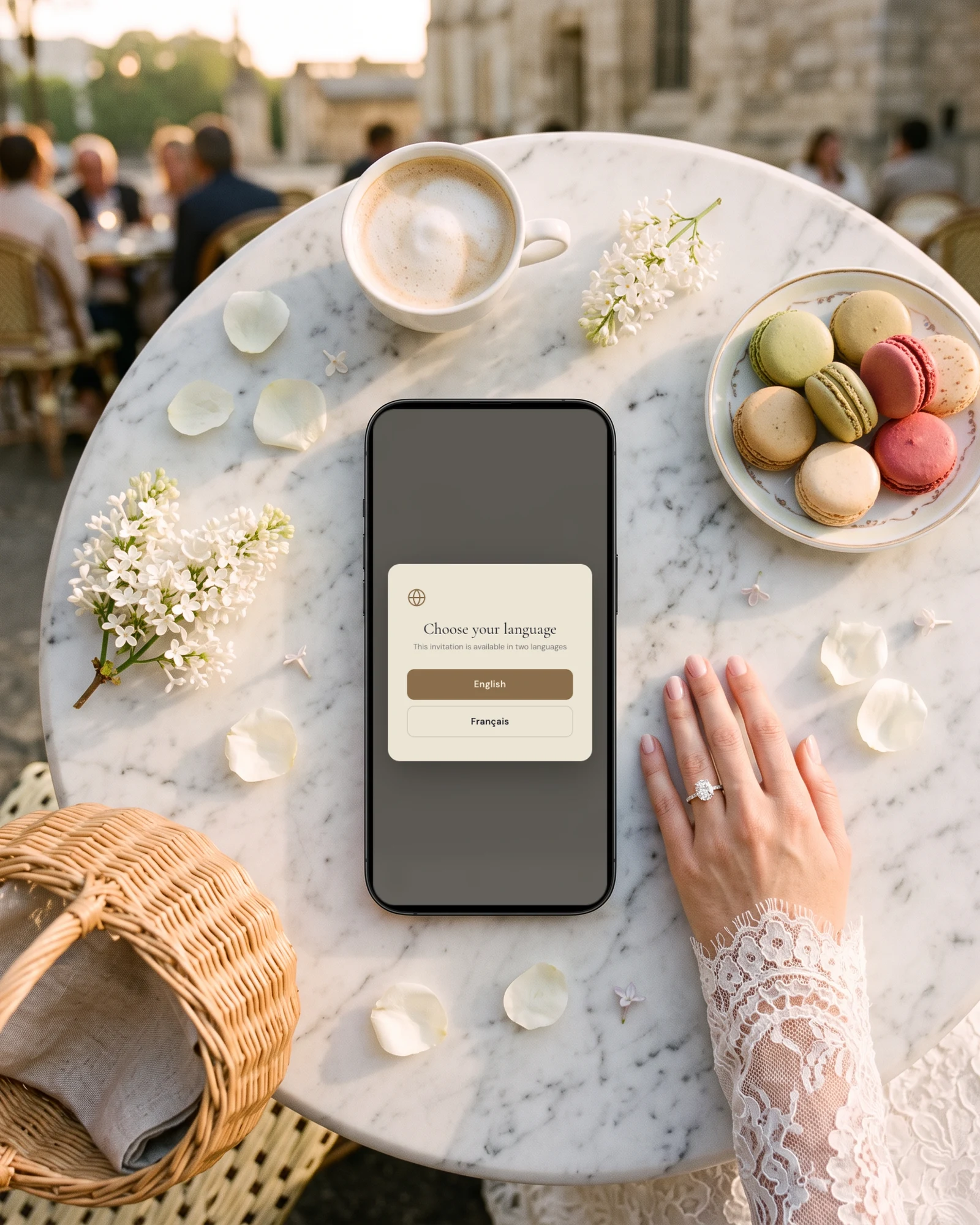
With The Private Wedding App you write in your main language and fill the French or English field under each text, or press the AI Translation button to fill the empty fields and then adjust the wording. When a guest opens the link they pick English or French once, and every built-in label follows: buttons, the RSVP form, the menu names. You can also send the French side of the family a link that opens straight in French, so nobody has to pick at all.
Some details only matter to one side. The note about trains from Paris and the advice on tipping are for the guests coming from abroad; the explanation of what a vin d'honneur is would read oddly to a French aunt. Each schedule moment and each info section has a 'Visible in' choice, so you can show a block in one language only.
Read more about the bilingual wedding invitation, which handles up to three languages on one link.
An RSVP for each event, and a separate link for vin d'honneur guests
A single yes or no does not tell you who is coming to the Friday drinks or how many plates to order for the brunch. Ask for each event separately. Switch on 'This wedding has multiple events' in the RSVP settings, add the welcome drinks, the wedding day and the brunch, and guests answer each one. The Guests page then shows attending, pending and declined for every event on its own line.
The vin d'honneur is where French and English habits differ most. You may want colleagues, neighbours and the family's friends at the drinks but not at the dinner. Create a guest group for them, tick only the ceremony and the vin d'honneur, and send them that group's link. They see their moments, their venue and their info sections, and nothing about the dinner or the brunch. Your dinner guests get a group link that covers the whole weekend.
On the events without a seated meal, such as the welcome drinks and the vin d'honneur, untick 'Ask the meal choice for this event', and guests who only say yes to those events skip the menu question.
See how multi-event RSVP keeps one guest list with a count per event.
Dinner choices and allergies, in both languages
A French wedding dinner often has several courses, and the caterer usually asks for the choice of main course and every allergy a few weeks before. One detail trips up English-speaking guests: on a French menu, an entrée is the starter, not the main course. Write the dishes in both languages and say which course each one belongs to.
In the Meal Options tab you list the dishes with their French and English names. With 'Guests choose one dish per course' on, each guest picks a starter, a main and a dessert, for themselves and for each person with them. Below the menu, guests can write dietary notes and answer a separate severe-allergy question, which puts a warning next to their name.
When the numbers are final, the caterer day sheet gives the plate count per dish, the allergy list with each guest's table, and a breakdown per table. You print it or export it and send it to the caterer, and 'Mark as sent' remembers what they received so you can see what changed later.
More on the meal and allergy tracker.
Sending it to both sides of the family
French families often share news on WhatsApp, English-speaking friends may expect an email, and an older relative may want something on paper. All three can point to the same invitation.
Each guest row on the Guests page has a WhatsApp button that opens a chat with your message and that guest's link already typed, the group link if they belong to a group. Guests with an email address can receive their own link through 'Email the invitation'. For relatives who want a card on the sideboard, the QR Print Card tab makes a printable card in English or in French, one per group if you need it.
See how WhatsApp wedding invitations work guest by guest.
Seating the dinner and mixing both sides
Long French dinners make the table plan matter. Seating the two families at separate ends of the room is easy; mixing them so the evening works takes more care, and you can only do it once you know who said yes to the dinner.
The seating plan works per event when RSVP per event is on, so the dinner has its own tables and only guests who accepted the dinner appear. Each party arrives as one card you drag to a table, and guests with a severe allergy carry their flag onto the plan. The budget runs in euros alongside it, with each supplier's deposit and payments.
Plan the tables with the seating chart.
Everything you need, in one place
Planning your own wedding without a planner is entirely achievable.
See it for yourself.
Explore the whole platform: cinematic invitation, RSVP with meals and allergies, guest list, seating chart, budget, vendors, checklist, moodboard, photo sharing and the AI planner. No account needed.
Try the full planner →How do we make one wedding invitation in French and English?
Write it once and add the second language under each text, or let the AI Translation button fill the empty fields, then check the wording. In The Private Wedding App each guest picks English or French when they open the link, and every button, menu and RSVP question switches with them.
Can French guests see the invitation in French automatically?
Guests choose their language in a small popup the first time they open the invitation, and the choice is remembered on their phone. You can also send one side of the family a link with ?lang=fr at the end so it opens straight in French.
How do we invite some guests to the vin d'honneur only?
Give them their own group. In The Private Wedding App you create a group invited to the ceremony and the vin d'honneur only, and its private link shows just those moments, their venue and their info, with no mention of the dinner. Their answers land in the same guest list as everyone else.
Do we need a separate RSVP for the Sunday brunch?
Yes, if you want a real number. Many guests skip the brunch, and a single yes for the wedding does not tell you who will be there on Sunday morning. Add the brunch as its own event and switch off the meal question for it.
What does entrée mean on a French wedding menu?
The starter. In French, the entrée comes before the plat (main course), then cheese and dessert. Writing both languages on the menu, with the course named, avoids guests choosing the wrong dish.
Can my partner's parents help with the French guest list?
Yes. With Share your wedding you invite them by email and choose what they can see and edit, for example the guest list and the tables but not the budget. They get their own login, so nobody shares a password.
How much does The Private Wedding App cost?
$189 once for lifetime access, or $19.99/month. In the eurozone it is €189 once or €19.99/month. Both plans include the bilingual invitation, RSVP per event, meal choices, seating and the budget. 3-day free trial.