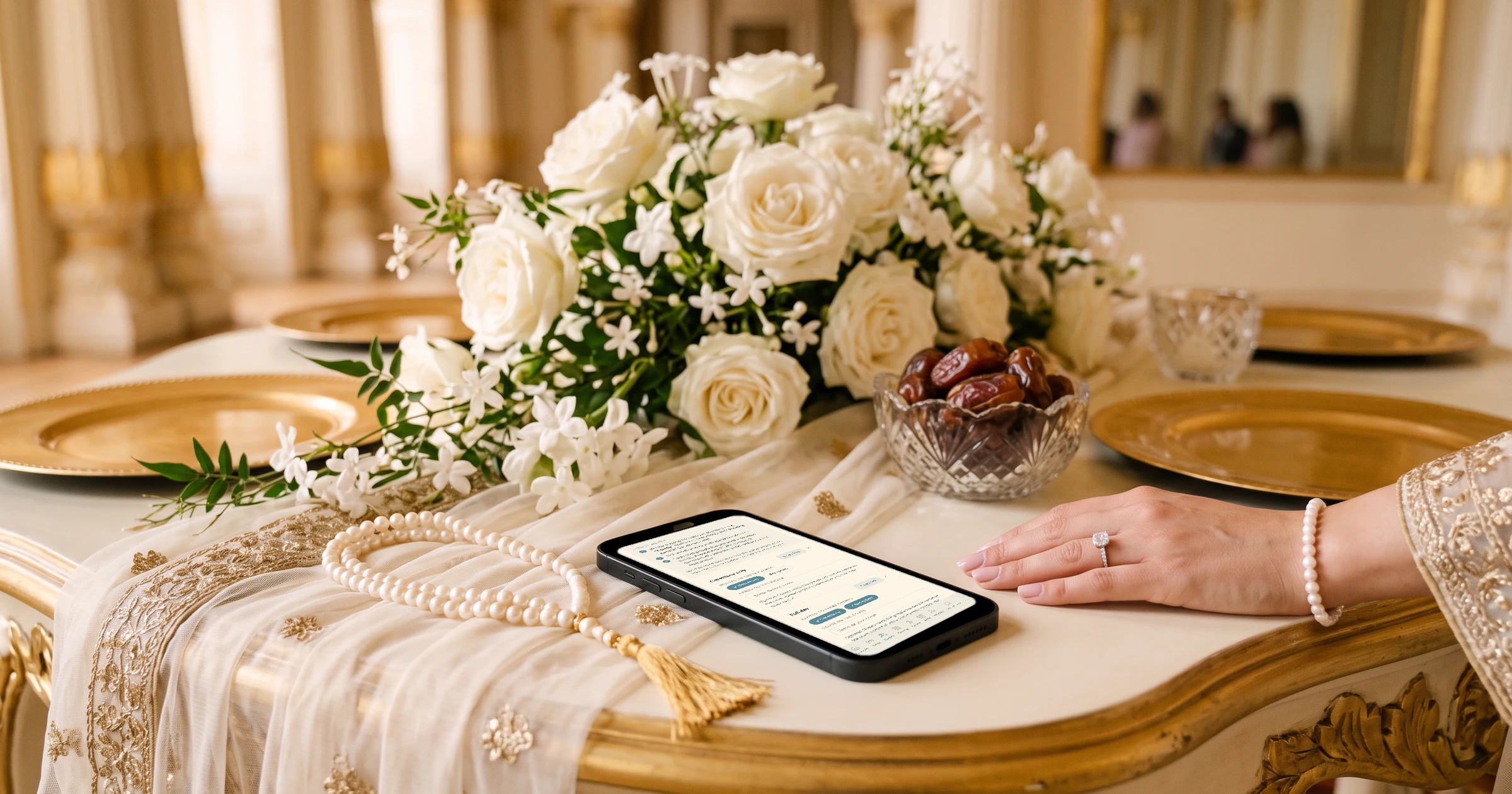
For a Muslim wedding with a nikah and a walima, The Private Wedding App puts every event on one invitation and gives each guest group its own private link that shows only the events it is invited to, so walima-only guests never see the nikah. Guests answer each event separately and choose their meal, you see a count per event, and women's and men's events can each have their own guest group and link. It costs £159 once for lifetime access or £17.99 a month in the UK, $189 or $19.99/month in the US, and C$249 or C$24.99/month in Canada. 3-day free trial.
The nikah is the marriage contract: often at a mosque or at home, with close family, the imam and the witnesses. The walima, hosted by the groom's family, is usually much bigger, sometimes three or four times the size. Some families hold a mehndi before, some hold the women's and men's celebrations separately, and the guest lists overlap without being the same. You are in the UK, the US or Canada, the aunties share everything on WhatsApp, and the hall needs a headcount and the meal numbers for the walima. This guide shows how to run every event from one invitation where each guest sees only what they are invited to.
List every event and who each one is for
Before any invitation goes out, write down each event and its guest list: the nikah with close family and witnesses, a mehndi or dholki if you hold one, the walima, and any women's or men's celebration. Most of the confusion at Muslim weddings comes from guests who were not sure which events they were invited to.
Put each event on the schedule with its date, time and venue. Prayer times matter for the timings, and a note about where guests can pray at the venue is a kindness. If you want the Islamic date shown next to the Gregorian date, the Languages tab has a 'Show the Hijri date' switch.
The Private Wedding App's schedule runs over several days with one tab per day, and each event links to a venue card with a map. See the digital wedding invitation.
- Nikah: date, time, mosque or home, who is invited
- Mehndi or dholki, if you hold one
- Walima: date, time, hall
- Women's or men's events, if separate
- Prayer space and parking notes
A guest group for each guest list
Switch on 'This wedding has multiple events' and add each event. Then create guest groups and tick which events each one is invited to: close family to everything, extended family and friends to the walima, colleagues to the walima only. Each group gets a private link that shows only its events, its schedule moments and the info sections you choose, so a walima-only guest never sees the nikah.
If you hold separate women's and men's events, create a group for each and invite it to the right events. A household where the wife and husband go to different events works best as two guests on the list, each in their own group; both can still be invited to the shared events, such as the walima.
See how multi-event RSVP counts each event on its own.
Replies per event, with family members named
One household often replies for several people. Add the people you know by name under the main guest on the Guests page; on the RSVP, each of them shows with 'Coming' or 'Not coming' and their own meal. For a family whose children's names you do not know, give the main guest a number of seats instead, for example one adult and three children, and they type the names.
The Guests page then shows attending, pending and declined for each event on its own line, so the hall gets the walima number and the mosque or home gets the nikah number.
More on the guest list tracker.
Meal choices for the walima
If the walima has a set menu with a choice, list the dishes in the Meal Options tab. On events without a seated meal, untick 'Ask the meal choice for this event'. Dietary notes and a severe-allergy question stay on the form, and the caterer day sheet gives the hall plates per dish and the allergy list with tables.
More on the meal and allergy tracker.
Sending on WhatsApp, and keeping the link private
Most families will receive the invitation on WhatsApp. Each guest row has a WhatsApp button that opens a chat with your message and that guest's own link, their group link if they are in a group, and sending mode lets you go through a long list with a progress bar.
Invitations get forwarded. If you want only invited people to open yours, switch on Private access: anyone opening the link must enter a phone number or email that is on your guest list before they see anything. If your women's event should stay free of photos, guest photo sharing can be switched off for the whole wedding.
Arabic, Bengali or a second language for the elders
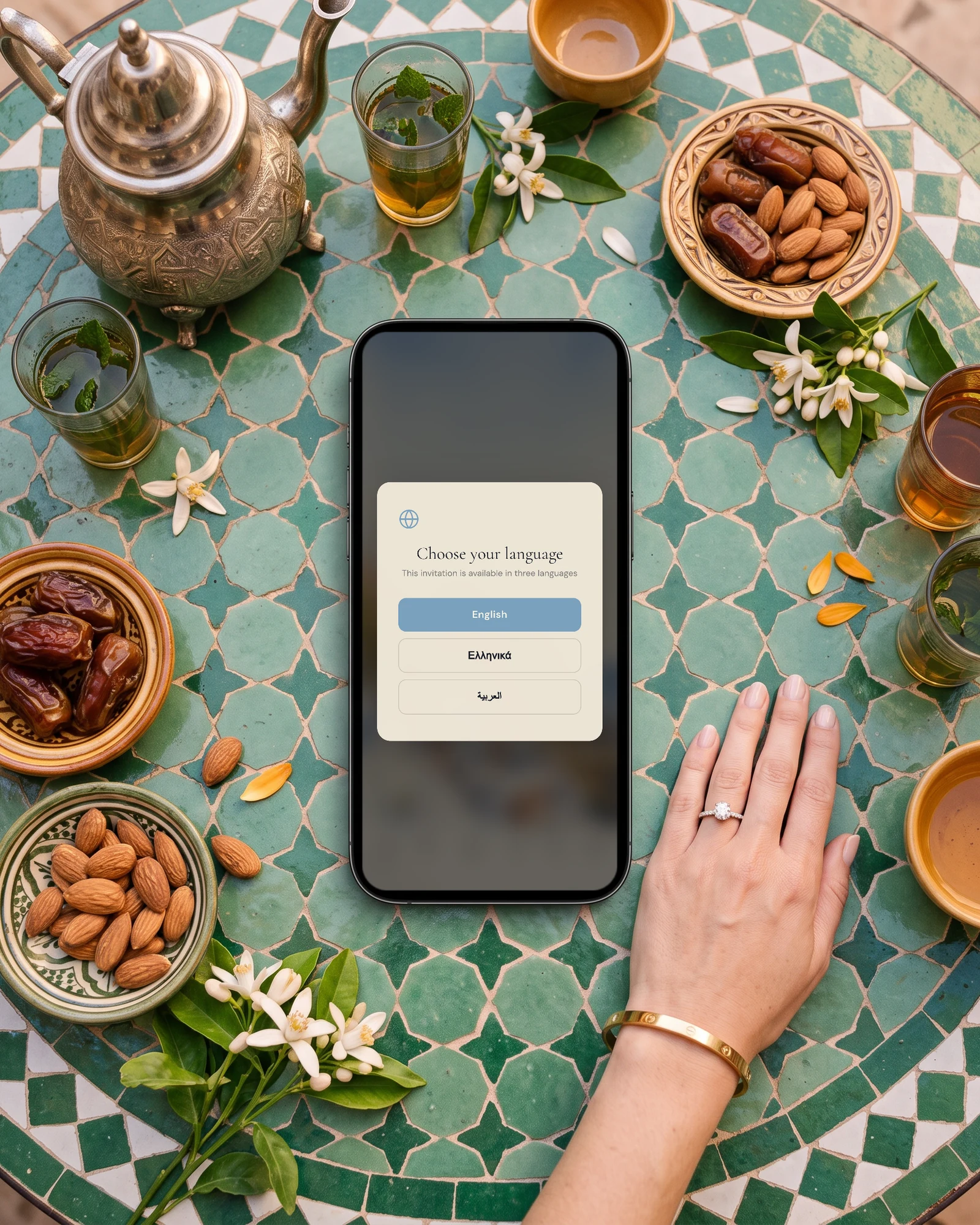
If grandparents read Arabic, Bengali, Turkish or Malay better than English, add it as a second language. Each guest picks their language when they open the link, Arabic reads right to left, and the buttons and RSVP form are translated on their own in those languages. You fill your own texts or let the AI Translation button draft them.
Read about the bilingual wedding invitation.
Everything you need, in one place
Planning your own wedding without a planner is entirely achievable.
See it for yourself.
Explore the whole platform: cinematic invitation, RSVP with meals and allergies, guest list, seating chart, budget, vendors, checklist, moodboard, photo sharing and the AI planner. No account needed.
Try the full planner →How do I invite different guests to the nikah and the walima?
Give each guest list its own group. In The Private Wedding App you create groups, tick the events each one is invited to, and each group's private link shows only those events, so walima-only guests never see the nikah. Every reply lands in one guest list with a count per event.
Can I have separate women's and men's events?
Yes. Create a group for each and invite it to the right events. Each group's link shows only its events. List a husband and wife as two guests if they attend different events, so each sits in the right group.
Who hosts the walima?
Traditionally the groom's family, after the nikah. It is usually the larger event, so it often has the larger guest list.
Can one person reply for the whole family?
Yes. Add family members under the main guest, and on the RSVP each one is listed with Coming or Not coming and their own meal. For children whose names you do not know, give the main guest a number of seats.
Can I stop the invitation being forwarded to people who are not invited?
You cannot stop a link being forwarded, but you can stop it opening for the wrong people. With Private access on, anyone opening it must enter a phone number or email that is on your guest list first.
Can the invitation show the Hijri date?
Yes. Switch on 'Show the Hijri date' in the Languages tab and the Islamic date appears next to the Gregorian date, in each guest's language.
How much does The Private Wedding App cost?
In the UK, £159 once for lifetime access or £17.99 a month. In the US, $189 once or $19.99/month. In Canada, C$249 once or C$24.99/month. Every plan includes the invitation, group links, RSVP per event, meals and seating. 3-day free trial.