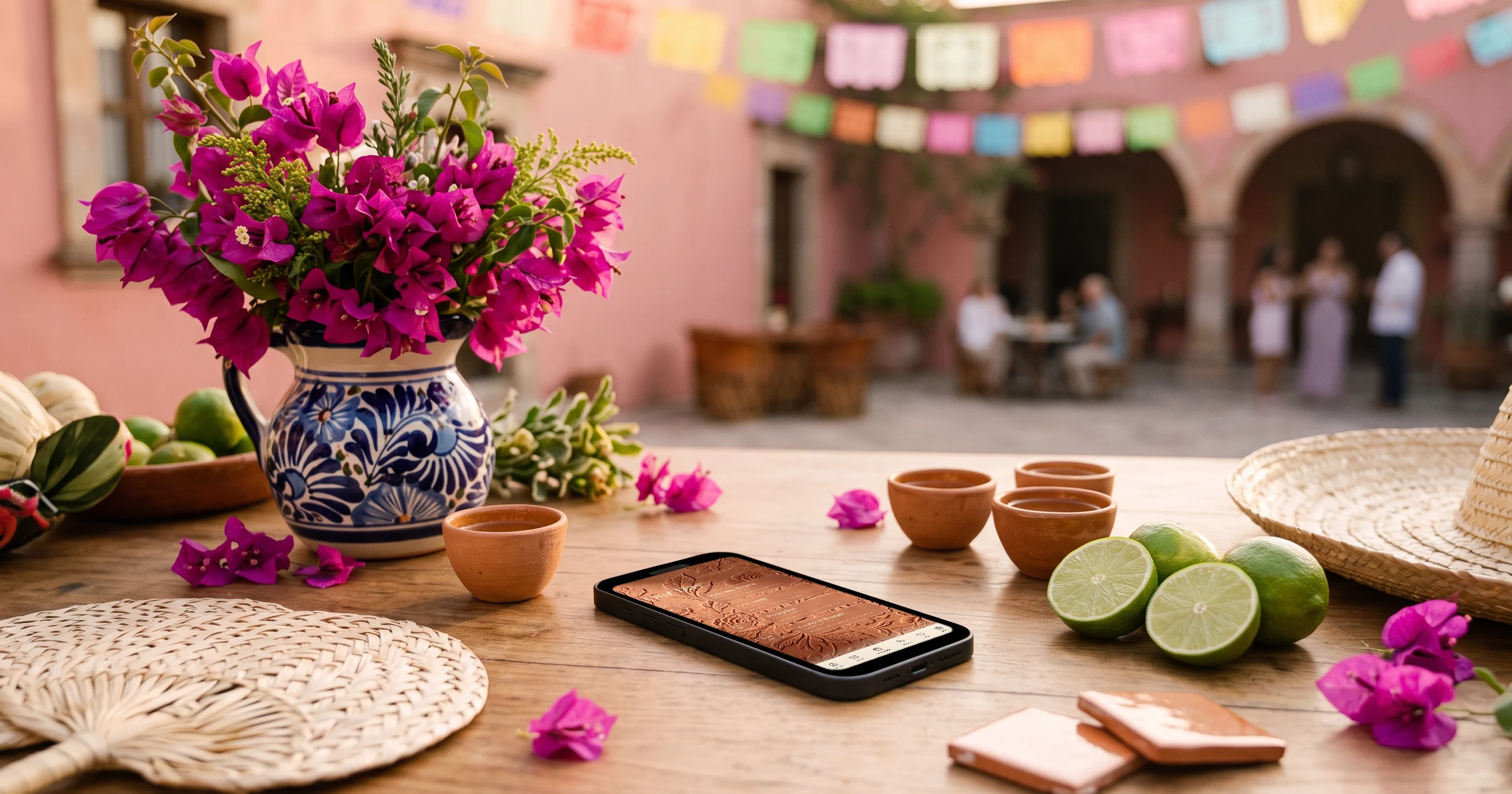
For a destination wedding in Mexico with US guests, The Private Wedding App puts the whole weekend on one private invitation: guests RSVP separately to the welcome party, the ceremony and reception, and the farewell brunch, choose their dinner and note allergies, and enter their arrival and return flights on the same form. Their flights land in a Guest arrivals list sorted by landing time, which also becomes an airport pickup list you can export for the transfer company. It costs $189 once for lifetime access, or $19.99/month. 3-day free trial.
You are getting married in Cancun, Tulum, Los Cabos or Puerto Vallarta, and nearly everyone is flying in from the US. The wedding is really a long weekend: a welcome party the night most guests arrive, the ceremony and reception, and a farewell brunch before the flights home. The resort wants a headcount for each event and a meal choice for the dinner, the transfer company wants to know who lands when, and guests want one place to check the times, the dress code and the shuttle. Most couples piece this together from a wedding website, a spreadsheet of flights pasted from text messages, and a group chat. This guide goes through the weekend in order and shows how to collect all of it, flights included, on the invitation itself.
Plan the weekend as three events, not one wedding
Guests at a Mexico wedding are giving you three or four days, a flight and a hotel bill. They need the shape of the weekend before they book: which night the welcome party is, what time the ceremony starts, and whether the farewell brunch is early enough to make a midday flight. A welcome party on the arrival night, the wedding the next day and a brunch the morning after is the most common rhythm, but resorts and private villas vary.
Give each event its time, its place and its dress code. A beach ceremony, a rooftop dinner and a poolside brunch can all sit at the same resort and still be easy to mix up.
On The Private Wedding App the schedule runs over several days with one tab per day, each event links to a venue card with a map and a shuttle note, and the resort itself can have its own hotel card. Our destination wedding itinerary guide covers the timing; the digital wedding invitation holds it.
- Welcome party: night, time, place, dress code
- Ceremony and reception: time, place, dress code
- Farewell brunch: time, and how it fits checkout and flights
- Resort or villa card, with the airport transfer note
- Room block link and its cut-off date
An RSVP for each event, with its own headcount
Not every guest arrives in time for the welcome party, and not every guest stays for the brunch. If the RSVP only asks 'are you coming to the wedding', you end up guessing two of your three numbers, and resorts charge per guest per event.
Switch on 'This wedding has multiple events' in the RSVP settings and add the welcome party, the ceremony and reception, and the farewell brunch. Each guest answers each event, and the Guests page shows attending, pending and declined for each one. If some guests, a few local friends for example, are only invited to the reception, put them in a group whose link shows that event alone.
Set the reply-by date before the room-block cut-off; our destination wedding RSVP deadline guide explains how to work back from it. See multi-event RSVP for how the counts work.
Dinner choices and allergies for the resort
Resort wedding packages usually ask for a plated dinner choice, a kids' meal count and every allergy ahead of time. The welcome party and the brunch are often buffets, where only allergies matter.
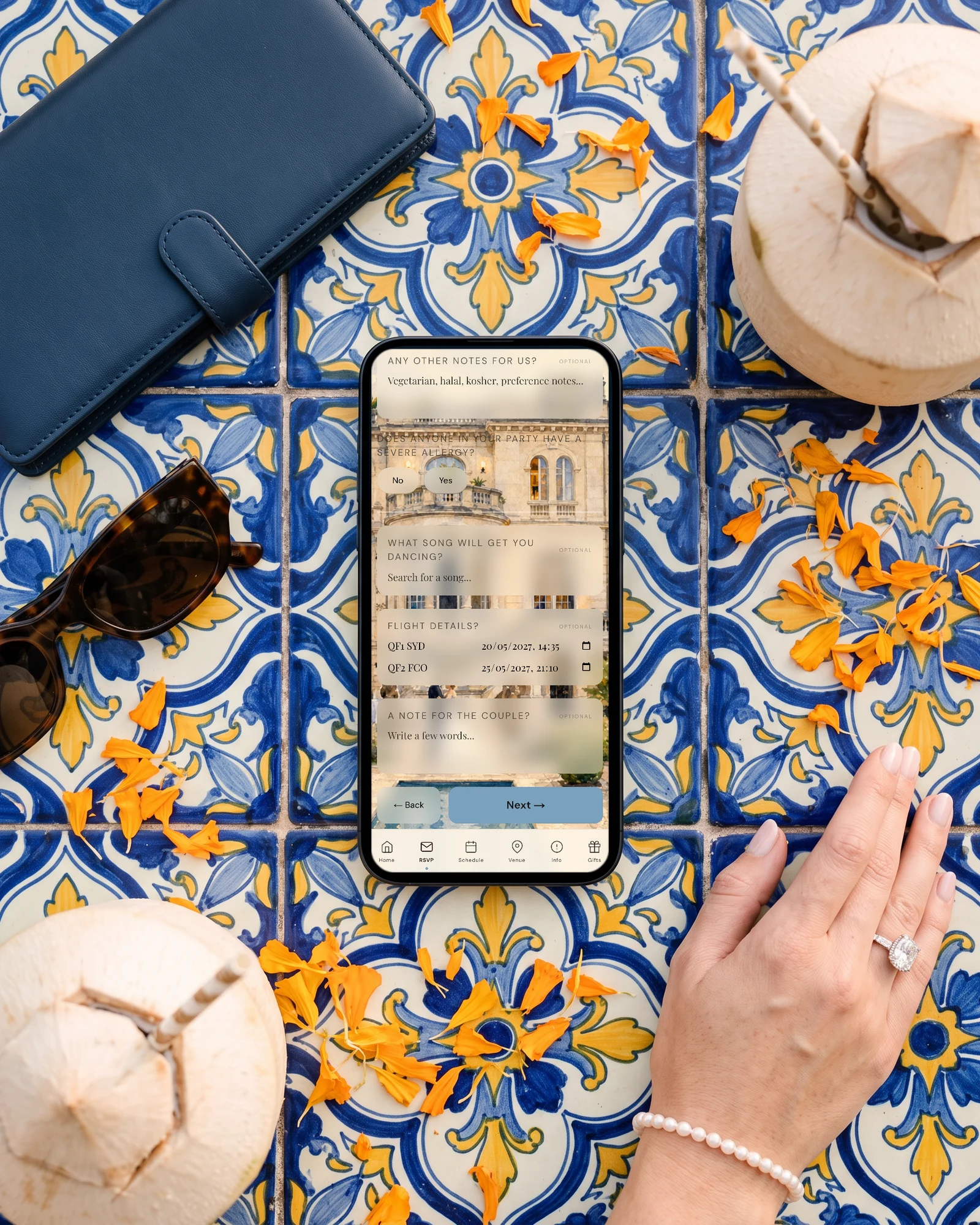
List the dinner options in the Meal Options tab. On the welcome party and the brunch, untick 'Ask the meal choice for this event', and guests who only say yes to those skip the menu question. Dietary notes and a severe-allergy question stay on the form, and a yes to that question puts a warning next to the guest's name and on the seating plan.
When you send final numbers, the caterer day sheet gives plates per dish and the allergy list with each guest's table. More on the meal and allergy tracker.

Collect every guest's flights on the RSVP
This is the part couples spend the most evenings on: texting guests for flight numbers, pasting them into a spreadsheet, and trying to group them for the shuttle. Ask for flights where guests already answer everything else.
In the Meal Options tab, switch on the flight question. Guests then enter their arrival flight and time and their return flight and time on the RSVP. On the Guests page, the Guest arrivals card groups every party by arrival day, sorts them by landing time, and shows how many people land each day, which is also your welcome party estimate. Times stay exactly as guests typed them, in local airport time.
On the caterer day sheet, an Airport transfers section turns the same answers into a pickup list by day and flight and a return list, with a button to print it and one to export it as a spreadsheet for the transfer company. You can also ask the app's AI assistant 'make me the airport pickup list' and it builds it from your guests' answers.
See how guest flight details become a pickup list.
Travel info guests will actually read
US citizens need a valid passport book to fly to Mexico, and a guest who finds that out a month before is a guest you lose. Put passports, the airport to fly into, the transfer time to the resort, the room block and the weather on the invitation itself, not in a separate email.
Each info section can carry a button to any web address, so the room block link sits right under the hotel description. Each event can carry its own dress code, and they are all listed together on the Info page, so 'beach formal' and 'resort casual' are never confused.
Our guide to what to include on a destination wedding website has the full list.
Spanish for the local family, sending, and chasing
If one of you has family in Mexico, or you want the venue coordinator to read the schedule in Spanish, add Spanish as a second language. Each guest picks English or Spanish when they open the link. Our bilingual Mexico wedding guide covers that case in depth.
Send the link by email with 'Email the invitation', which gives every guest with an address their own link, or by WhatsApp from each guest's row. For guests who have not answered by the reply-by date, the optional reminder emails go out on their own, and the Pending filter shows who is left.
More on sending: WhatsApp wedding invitations.
Everything you need, in one place
Planning your own wedding without a planner is entirely achievable.
See it for yourself.
Explore the whole platform: cinematic invitation, RSVP with meals and allergies, guest list, seating chart, budget, vendors, checklist, moodboard, photo sharing and the AI planner. No account needed.
Try the full planner →How do I collect my guests' flight details for a destination wedding?
Ask for them on the RSVP. In The Private Wedding App you switch on the flight question and guests enter their arrival and return flights with times when they reply. Everything appears in a Guest arrivals list sorted by landing time, and the day sheet turns it into an airport pickup list you can export for the transfer company.
Can guests RSVP separately to the welcome party, wedding and farewell brunch?
Yes. Add each as its own event and guests answer each one. The Private Wedding App shows attending, pending and declined per event, so you have three real numbers for the resort instead of one.
When should the RSVP deadline be for a Mexico wedding?
Before your room-block cut-off, and with enough margin for the resort's final numbers. Work back from the earlier of the two dates, then give guests a clear reply-by date on the invitation.
Do US guests need a passport for a wedding in Mexico?
Yes, to fly to Mexico they need a valid passport book. Say it early, ideally on the save the date and again on the invitation's travel page.
Can the invitation be in English and Spanish?
Yes. Add Spanish as a second language and each guest picks English or Spanish when they open the link, with the buttons and RSVP form translated and your own texts shown in their language.
Can only some guests be invited to the welcome party?
Yes. Put them in guest groups: each group's private link shows only the events that group is invited to, and their answers land in the same guest list.
How much does The Private Wedding App cost?
$189 once for lifetime access, or $19.99/month, with RSVP per event, flight collection, meal choices, seating and the budget included in both. 3-day free trial.