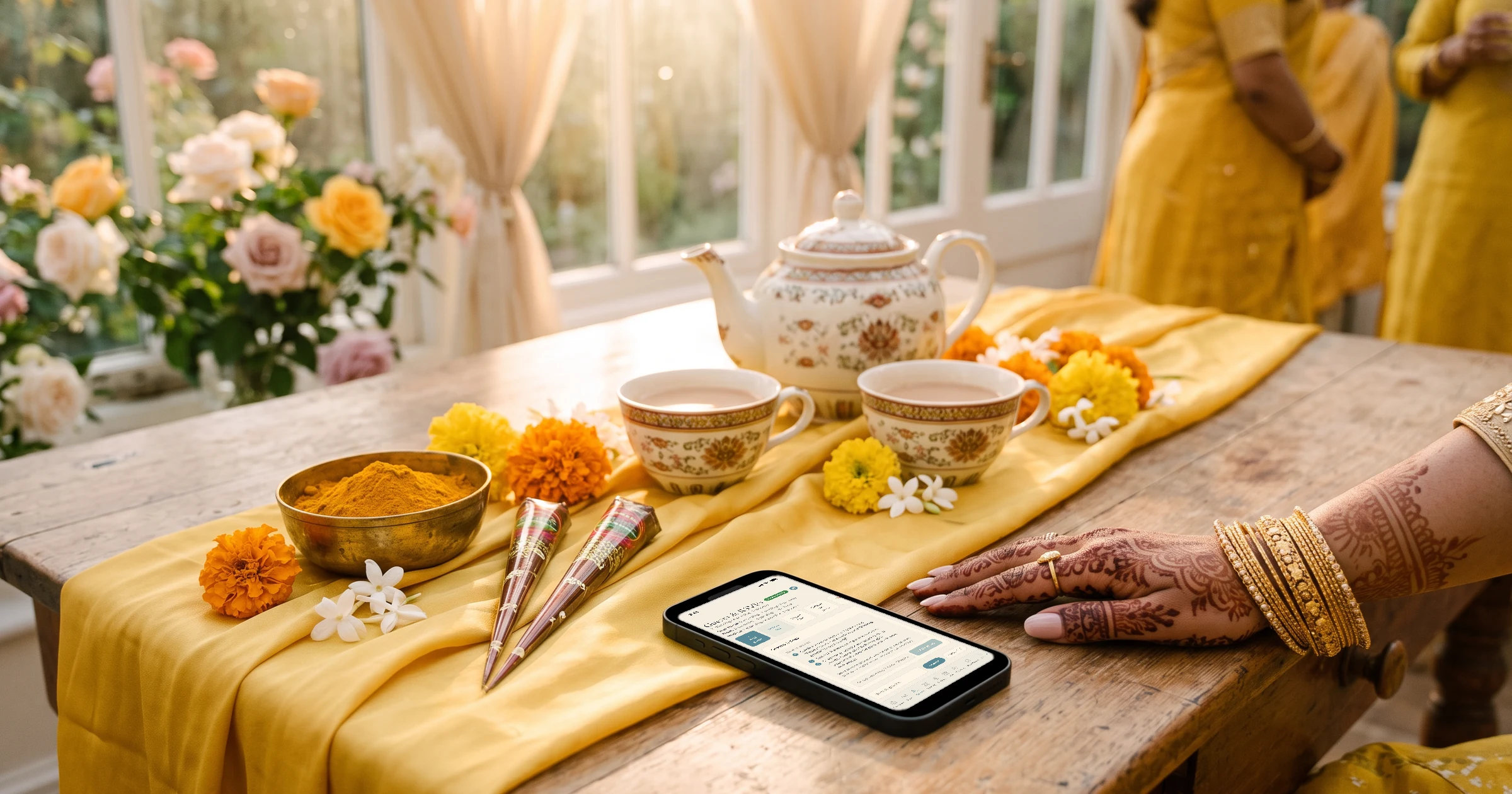
For a British-Bangladeshi wedding week with two holuds, a nikah and a walima for 300+ guests, The Private Wedding App fits: it is a full wedding planning platform with one shared guest list, a separate RSVP and count for each event, a seating plan per event, a budget in pounds and a digital invitation guests open from WhatsApp. Each family side sorts its own guests into groups whose link shows only their events, sends it from their own WhatsApp in one tap per household, and helps from their own login; elders switch the invitation to Bengali, and guests flying in from Bangladesh can give their flight on the RSVP. It costs £159 once for lifetime access or £17.99/month ($189 or $19.99/month in the US). 3-day free trial.
A British-Bangladeshi wedding is rarely one day. The bride's family hosts her gaye holud, the groom's family hosts his, the nikah is small, and the walima or reception is the big one, often in a banqueting hall in Birmingham, Luton or East London with 300 to 500 guests. Two families, two guest lists, two sets of events, and an auntie in Sylhet who needs her flight met at Heathrow. Invitations go out on WhatsApp from five different phones and the answers come back the same way. This guide walks through the whole wedding week in order, from deciding who hosts what to the caterer's final number, so that both families work from one list instead of five group chats.
Who hosts which event, and who is invited
Start with the map, before any app. Across the top, every event of the week. Down the side, the guest groups of both families. The bride's holud is usually her side's evening, the groom's holud his side's, the nikah close family, and the walima or reception everyone, including the masjid committee, colleagues and family friends.
This grid becomes your groups. The detailed how-to for RSVPs per event is in the gaye holud, nikah and walima invitation guide; this page is about running the whole week. See RSVP per event.
One schedule for the week, one venue card per hall
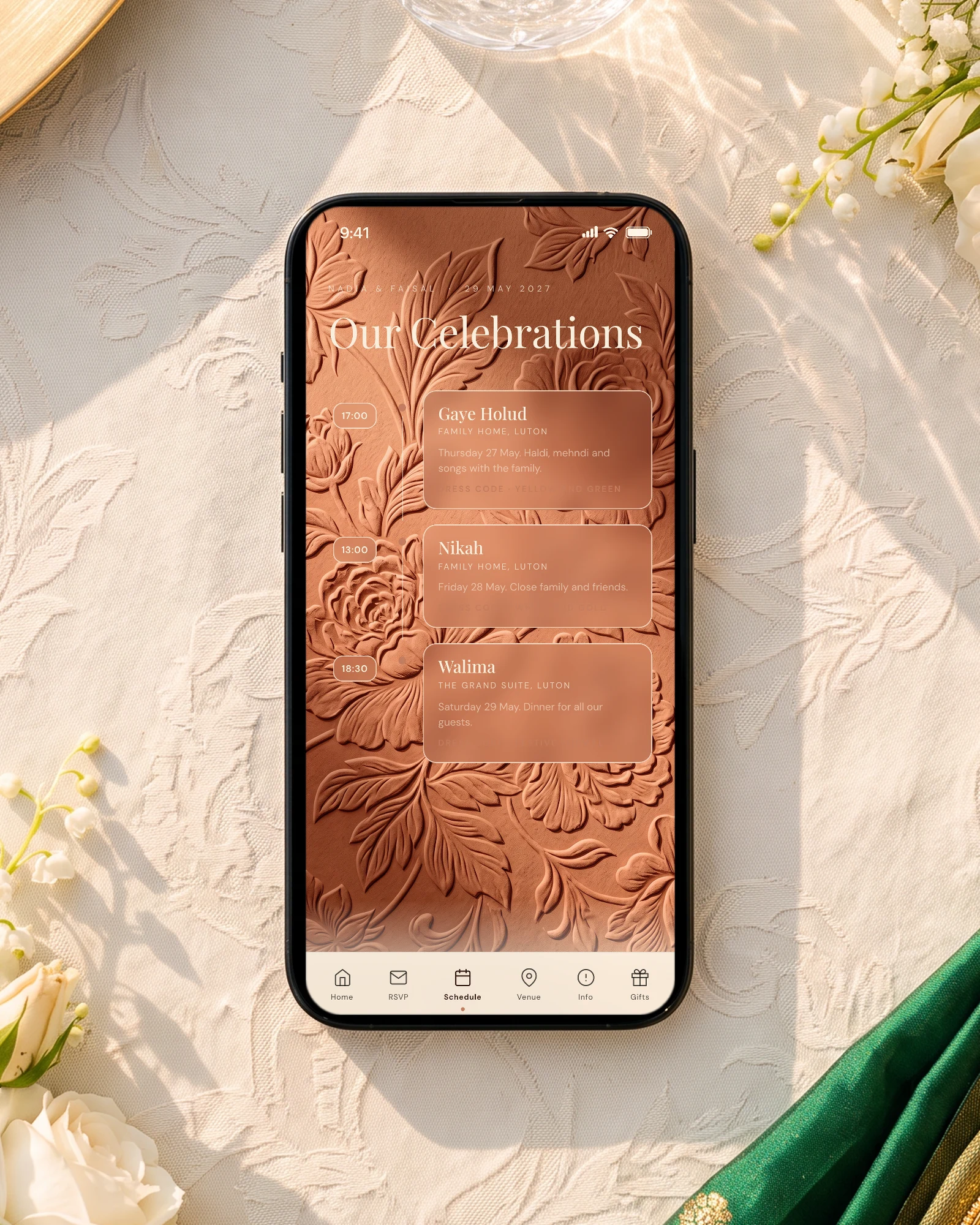
Turn on the multi-day schedule and every day gets its own tab with its real date, so guests see "Sat 14 Jun" instead of "Day 2". Each event links to its venue card with the address and a map: a community hall for the holud, the family home or the masjid for the nikah, the banqueting hall for the walima. Each event can also carry its own dress code and photo, yellow and green for the holud.
A guest who is only invited to the walima never sees the holud dates, and does not see empty tabs for days they are not part of. That is what stops the awkward phone call asking why they were not invited to the holud.
Two families, one guest list
Each side builds its list in its own spreadsheet, one row per household, a main name and a phone number with +44, +880 or +1. Then both lists go into the same guest list, each household in its group, with its seats set: "Begum family, 2 adults and 3 children" is a number you control, where "and family" is not.
In the app, copy the columns from Excel or Google Sheets into "Import list" on the guest list; names, emails and phone numbers are detected. With "Share your wedding", invite your mum, your brother or the groom's sister by email and choose what each one can view or edit, so each side manages its own guests from its own login without sharing a password.
Sending on WhatsApp, each side from its own phone
Elders answer a message from an aunty they know much faster than one from an unknown number, so let each side send to its own guests. Write the message once in your own words, and each guest's WhatsApp button opens their chat with that message and their group's link, so walima-only guests get the walima link without anyone thinking about it.
WhatsApp does not let any app bulk-send from a personal number. "Start sending" makes one-by-one fast: a progress bar, guests ticked off as they are sent, and progress saved for tomorrow. The full method, broadcast lists included, is in managing a big British-Bangladeshi guest list on WhatsApp. See WhatsApp invitations.
Bengali for the elders, flights for Sylhet
Bengali is one of the 26 guest languages. You write in English, and your nani switches the whole invitation to Bengali with one tap, buttons, RSVP form and menu included, while cousins in Manchester read it in English. Wording ideas are in Bengali and English wedding invitation wording.
For relatives flying in from Sylhet, Dhaka or New York, turn on the flight question on the RSVP. Arrivals come back grouped by day and landing time, ready for whoever is doing the Heathrow or Manchester run. See guest flight details.
Counts, meals and the walima seating plan
Under the overall totals, the guest list shows one line per event: attending, declined, awaiting. Click the walima and the whole page switches to it. Ask the meal question only where there is a served meal: each event has "Ask the meal choice for this event", so a holud with a buffet can skip it while the walima asks for, say, biryani, a vegetarian plate or a kids' plate. A severe allergy is flagged in red.
The seating plan is per event and uses only the guests who said yes to it. If the walima has separate ladies' and gents' sides, name the tables freely, "Ladies 1", "Gents 1", and drag households onto them. The caterer day sheet gives plates per dish, the allergy list with tables and an A to Z seating list for the door.
The budget keeps each supplier's deposit and remaining payments in pounds, and the catering line follows the number of guests attending. See the seating chart.
Everything you need, in one place
Planning your own wedding without a planner is entirely achievable.
See it for yourself.
Explore the whole platform: cinematic invitation, RSVP with meals and allergies, guest list, seating chart, budget, vendors, checklist, moodboard, photo sharing and the AI planner. No account needed.
Try the full planner →What is the best way to plan a British-Bangladeshi wedding with several events and 300+ guests?
Keep one guest list for both families, sort households into groups by the events they are invited to, and collect a separate RSVP for each event. The Private Wedding App (£159 once for lifetime access or £17.99/month ($189 or $19.99/month in the US)) does all of this in one place, with WhatsApp sending, a count and seating plan per event, a budget in pounds and no limit on guests.
Can the bride's side and the groom's side each invite their own guests?
Yes. In The Private Wedding App each side's guests go into their own groups, with links that show only that side's events. With "Share your wedding", a parent or sibling from each side gets their own login and can manage that side's guests from their own phone.
Will walima-only guests see the holud?
No. Their group link shows only the walima, in the schedule, the venues and the RSVP. The WhatsApp button next to each guest sends their group's link automatically.
Can my grandparents read the invitation in Bengali?
Yes. Bengali is one of the 26 guest languages, and an invitation can carry up to three. Each guest picks a language when they open it, and the buttons, RSVP form and menu follow.
How do I know who is landing when from Bangladesh?
Turn on the flight question on the RSVP. Guests give their flight and arrival time, and you get the arrivals grouped by day and landing time, plus a pickup list for whoever is driving.
How do I give the walima caterer a final number?
Click the walima in the guest list for its attending count, and print the caterer day sheet: plates per dish, allergies with tables, and an A to Z seating list for the door.
How much does it cost?
£159 once for lifetime access, or £17.99 a month. In the US, $189 once or $19.99 a month. Both include the full planner and the invitation, with unlimited guests. 3-day free trial.