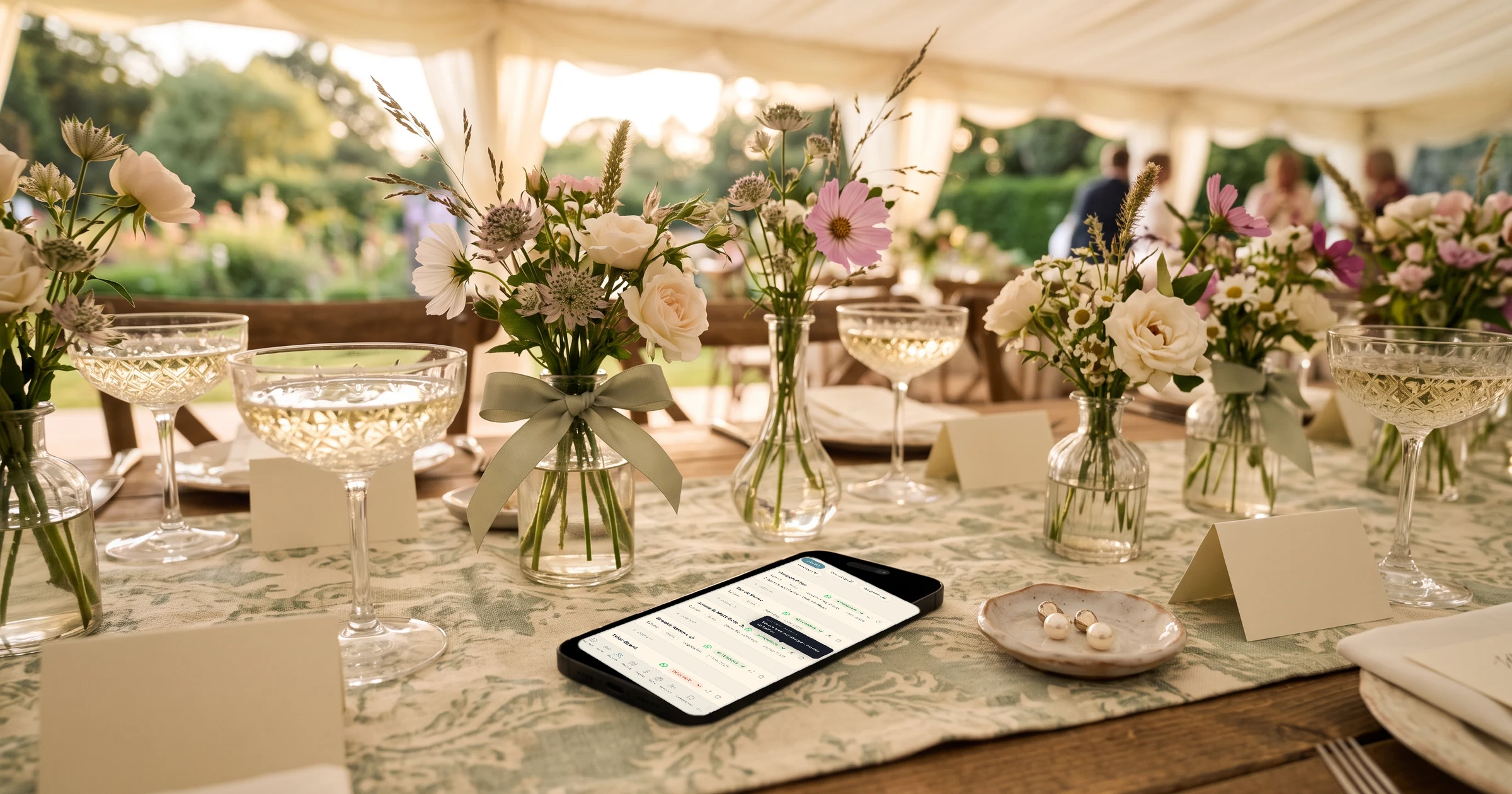
The Private Wedding App, an all-in-one wedding planning platform, works for two brides or two grooms without ever calling you bride and groom: sign-up asks for "Partner 1 name" and "Partner 2 name", the invitation shows the two names you type, and every English screen your guests see, from the RSVP to the private access screen and the gift page, says "the couple" or uses your names. The default cover lines read "Together with their families" and "request the pleasure of your company at their wedding celebration", and you can rewrite both. It costs $189 once for lifetime access or $19.99 a month (£159 or £17.99 in the UK), with the guest list, seating chart, budget, checklist and AI assistant included. 3-day free trial.
$19.99 a month
3 days free, then $19.99/month. No commitment, stop whenever you want.
Try it free for 3 days →If you are two brides or two grooms, you have probably already checked a few templates for the moment they slip: a bride field and a groom field at sign-up, "the bride and groom request" on the cover, "a message for the bride and groom" on the RSVP. Here is exactly what your guests read on The Private Wedding App, screen by screen, and the one place where other languages need your attention.
Sign-up: two names, no roles
Creating your wedding asks for "Partner 1 name" and "Partner 2 name", then your date, your venue and the web address of your invitation. There is no bride field and no groom field, and nothing later assigns either of you a role.
The web address suggested for your invitation is built from your two first names, in the order you typed them, and you can change it before you continue.
The cover: the names you type, written how you like
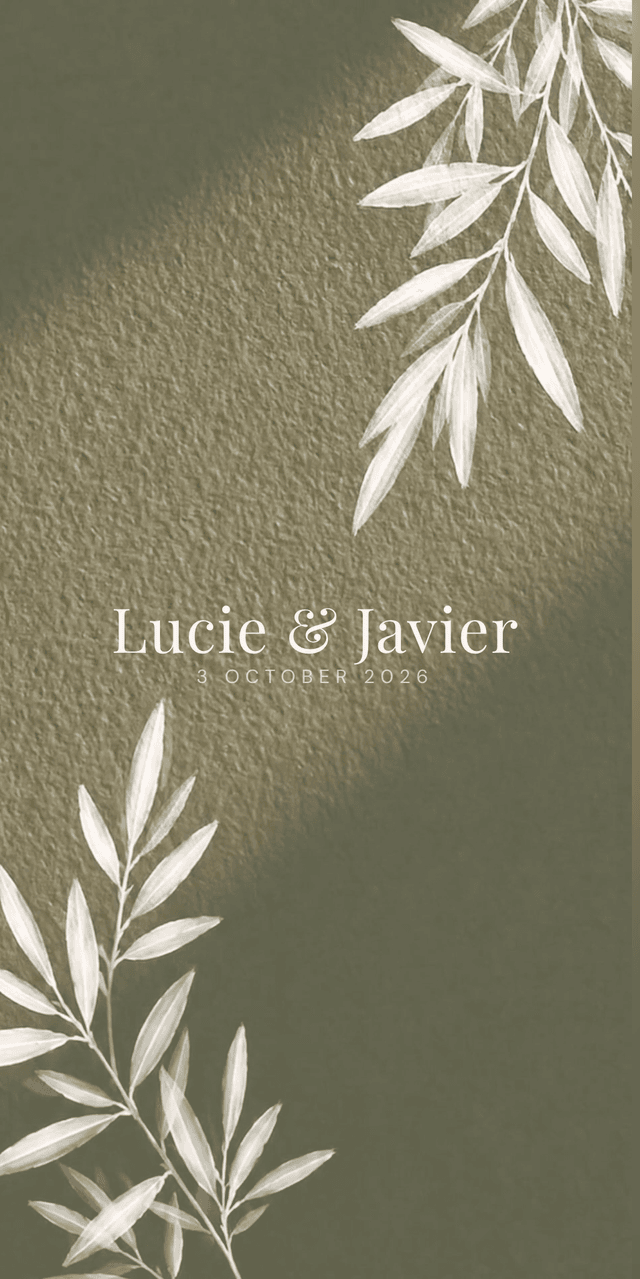
The names on the cover come from one field you write yourself. "Maya & Jo", "Maya and Jo", your full names, or one name only if you prefer: type it without the "&" and the cover shows a single name with no separator.
Above and below the names, the default lines read "Together with their families" and "request the pleasure of your company at their wedding celebration". Both are yours to rewrite, line breaks included, or to switch off.
Browse the invitation designs.
Every screen your guests read, checked
These are the words The Private Wedding App itself writes on an English invitation, outside the texts you type. None of them names a bride or a groom.
Your own pages, in your own words
Everything else on the invitation is written by you: the schedule, the venues, the dress code, the travel and hotel notes, your story, the gift page and the RSVP questions. Nothing is pre-filled with a role, so a wedding party of bridesmaids, groomsmen, attendants or simply friends is described the way you describe it.
The dress code can carry its own colour palette, and each event can have its own dress code, so a ceremony in suits and a party in colour are both easy to explain.
See how RSVP per event works for a ceremony, a reception and a brunch.
Behind the invitation: two people, two names
The moodboard lets each of you tag an inspiration for yourself, for the other, or for both, and the tags show your own first names, with "Together" for both of you. The AI assistant answers about your own wedding, your guest list and your budget.
If you would rather your invitation stayed between you and your guests, switch on Private access: only people whose email or phone is on your guest list can open it.
Read who can see a wedding website, and how to keep it to your guests.
Inviting guests in two languages
Each guest can read the invitation in their own language, up to three per wedding. In those languages the buttons and RSVP texts use that language's usual word for the couple: "los novios" in Spanish, "les mariés" in French, "Brautpaar" in German, "bruidspaar" in Dutch. These are the standard words in each language, and some of them come from the words for bride or groom, so read the RSVP once in the second language before you send it.
Your own texts, the cover lines, the page titles and the RSVP questions you write, are translated by you or by the AI Translation button, which you then correct, so they say exactly what you choose.
See the bilingual wedding invitation.
The rest of the wedding, in the same place
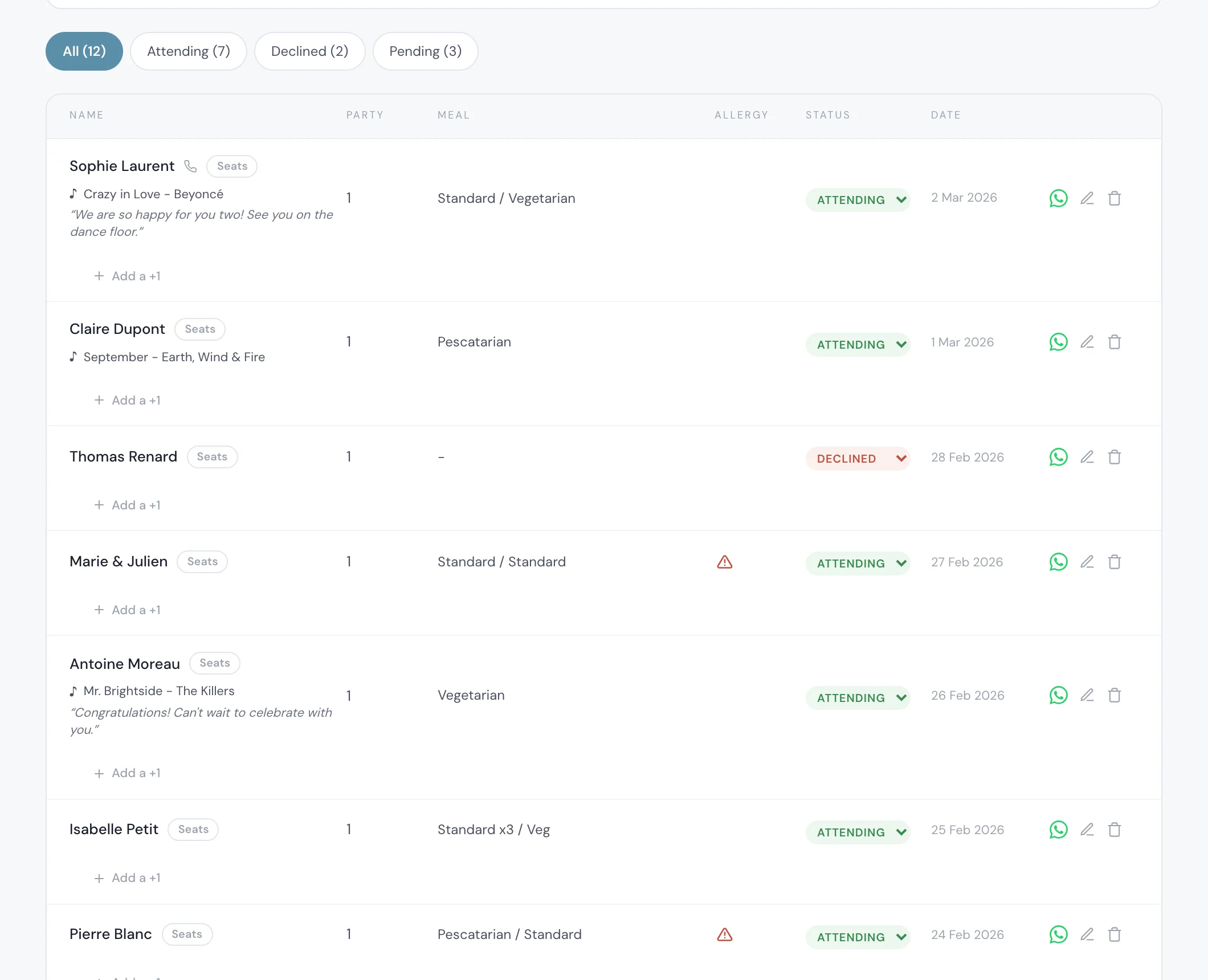
The invitation is one part of the planner. Replies land in one guest list with each person's meal and allergies, the seating chart shows only the guests who said yes, the budget tracker shows your catering cost per confirmed guest, and the checklist keeps the tasks in order.
It costs $189 once for lifetime access, or $19.99 a month; in the UK, £159 once or £17.99 a month. On the lifetime plan nothing expires: your invitation stays online and your planner stays open with no time limit.
Start the 3-day free trial on the pricing page: type your two names, open the invitation on your phone and reply once as a guest to read every screen for yourself.
Everything you need, in one place
Planning your own wedding without a planner is entirely achievable.
See it for yourself.
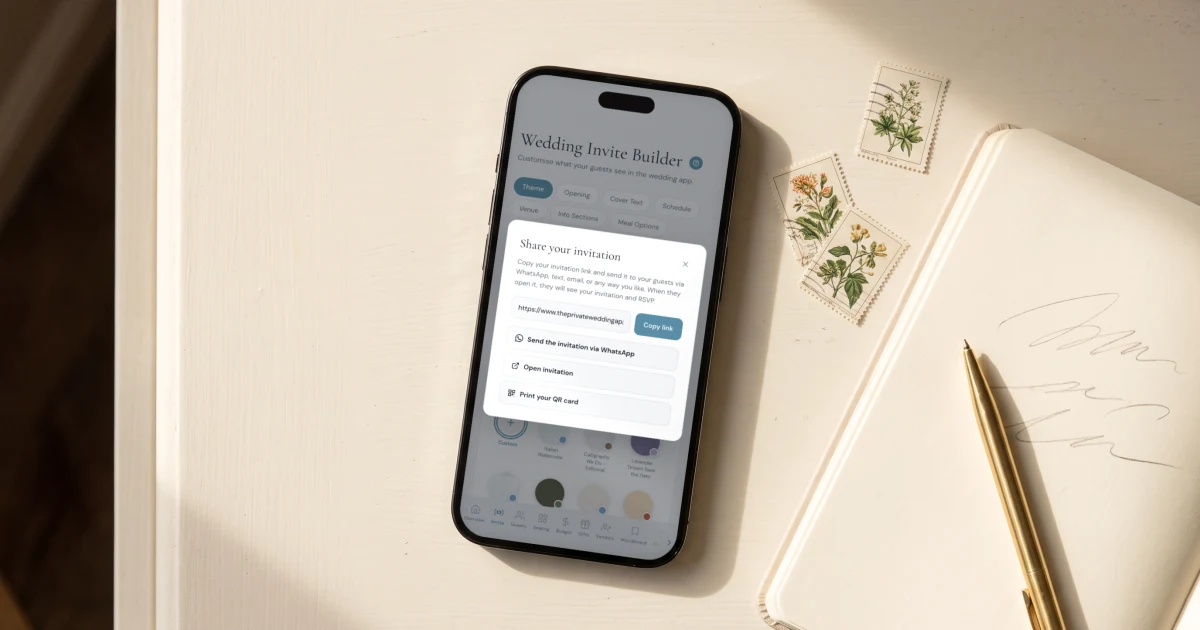
Explore the whole platform: cinematic invitation, RSVP with meals and allergies, guest list, seating chart, budget, vendors, checklist, moodboard, guest photo and video sharing and the AI planner. No account needed.
Try the full planner →Which wedding website works for two brides or two grooms?
The Private Wedding App asks for Partner 1 and Partner 2 at sign-up, shows the two names you type on the invitation, and says "the couple" on every English screen your guests see: the RSVP, the private access screen, the gift page and the emails. Nothing on the invitation calls you bride and groom.
Does the RSVP say "bride and groom" anywhere?
No. The note field reads "A note for the couple?", the allergy question says "The couple will be notified", and the closed message says "Please contact the couple directly". The questions you add are written by you.
Can we write our own invitation wording?
Yes. The lines above and below your names, "Together with their families" and "request the pleasure of your company at their wedding celebration" by default, are yours to rewrite or switch off, and every page of the invitation is written by you.
Can the invitation show just one name, or our names without an "&"?
Yes. The names come from one field: type them with "&", with "and", or a single name without the "&" and the cover shows it with no separator.
What about guests who read another language?
Each guest can read the invitation in their own language, up to three per wedding. In those languages the buttons and RSVP texts use that language's usual word for the couple, such as "los novios" in Spanish or "Brautpaar" in German, so read the RSVP once in that language before you send it. Your own texts are translated the way you write them.
Can we keep our wedding website private?
Yes. Switch on Private access and only people whose email or phone number is on your guest list can open the invitation, even if the link is forwarded.
How much does it cost?
$189 once for lifetime access, or $19.99 a month; in the UK, £159 once or £17.99 a month. Both include the invitation with RSVP, meals and allergies, the guest list, the seating chart, the budget tracker, the checklist and the AI assistant. 3-day free trial.