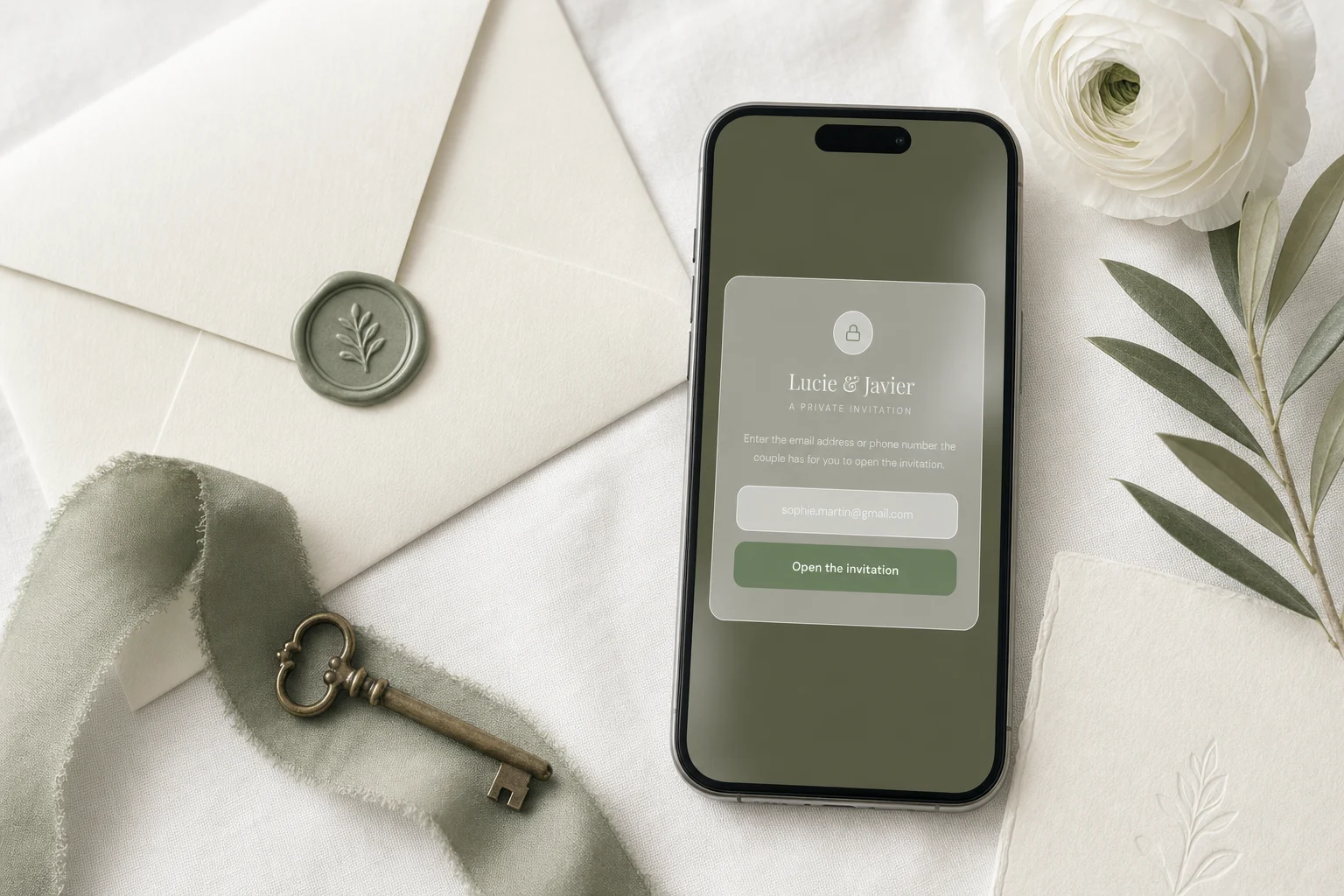
A wedding website is visible to anyone who has its link unless you restrict it. The Private Wedding App gives every wedding an unlisted private link, and its private access option goes further than the shared password most wedding websites use: each visitor must enter an email address or phone number that matches an entry on your guest list before the invitation opens. Verification happens once per device, works in 26 guest languages, and private-access weddings are also excluded from search engines. The Private Wedding App is $19.99/month or $189 once, lifetime, with the full platform either way.
You are about to put your names, your venue, your schedule and a form collecting your guests' contact details on a web page. So the question is fair: who can actually open it? The honest answer for most wedding websites is anyone holding the link, and links travel. They get forwarded, pasted into family group chats, and occasionally land in front of people you never invited. The Private Wedding App was built around privacy from the start, one private link per wedding with the invitation, RSVP, schedule, venue maps, photo sharing and the whole planning platform behind it. And now it goes one step further: private access, which checks every visitor against your actual guest list before the invitation opens.
Who can actually see a wedding website?
Anyone who has the link. That is the real answer for nearly every wedding website, whichever platform built it. An unlisted link is genuinely hard to guess, and for most couples that is enough - but unlisted is not the same as private. Links get forwarded. A cousin pastes it into a family WhatsApp group of forty people, a colleague shares it in an office chat, and suddenly your date, your venue and your RSVP form are in front of people you never invited.
There is a second exposure most couples never think about: search engines. A wedding website that gets linked publicly anywhere can be crawled and indexed, and some couples discover their names and wedding date in Google results months later.
Why a shared password only half-solves it
The classic fix is a single password on the website, and most wedding website builders offer exactly that. It helps, but it has an obvious flaw: the password travels with the link it is meant to protect. Whoever forwards your link forwards the password in the same message, because that is how people share it - 'here's their wedding site, the code is Smith2026'.
A shared password also cannot tell you anything about who entered. Everyone uses the same code, so the door either stands open to a group or closed to it. There is no notion of your guest list in it at all.
Guest-list verification: the door checks your list
Private access in The Private Wedding App works differently. When it is on, anyone opening your invitation link is asked for one thing: the email address or phone number you have for them. The answer is checked server-side against your actual guest list, and the invitation opens only on a match. No shared code to forward, nothing for guests to remember - they identify themselves with information that is theirs.
A forwarded link stops mattering. The person on the other end still faces the verification screen, and unless they are on your guest list, the invitation, the schedule, the venues and the RSVP stay closed. Phone matching is forgiving with formats, so a guest typing their number with or without the country code still gets in, and each guest only verifies once per device.
See the featureDigital wedding invitation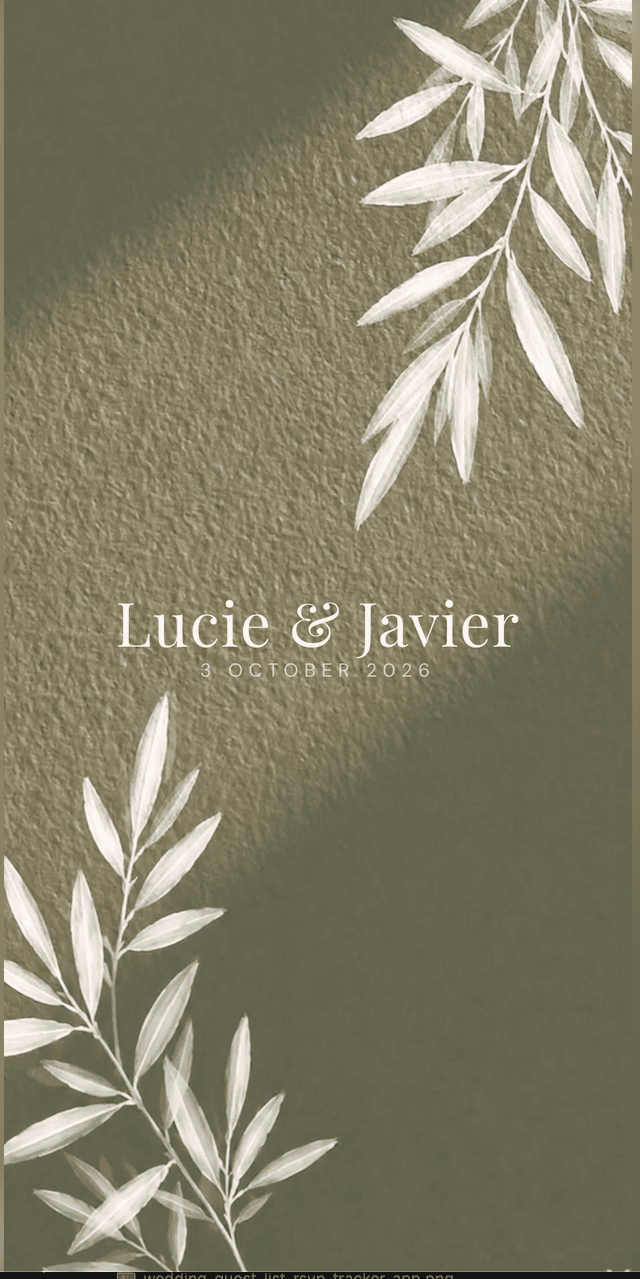
How to switch it on
Open the builder, go to the RSVP Settings tab, and turn on the Private access card. One thing matters before you do: your guests need emails or phone numbers saved in your guest list, because that is what the door checks against. If you imported your guest list with contact details, you are already done. If a guest has neither saved, add one for them first, or they will be standing outside.
The verification screen is translated into all 26 guest languages, styled in your wedding's theme, and shows your names so guests know they are in the right place. Switch it off at any time and the invitation opens directly again.
What stays private no matter what
Some things are private by design, gate or no gate. Your wedding is never listed in any public directory or gallery on the platform, and private-access weddings are also excluded from search engines. RSVPs, meal choices, allergies and guest messages land only in your dashboard - guests never see each other's answers. Photos guests upload land in a gallery that is private to you by default; a photo wall your guests can browse exists, but it is a toggle you choose to switch on.
And behind the invitation sits the rest of the platform - guest list, seating chart, budget, vendors, checklist - which is your dashboard, visible to nobody but you.
Everything you need, in one place
Planning your own wedding without a planner is entirely achievable.
See it for yourself.
Explore the whole platform: cinematic invitation, RSVP with meals and allergies, guest list, seating chart, budget, vendors, checklist, moodboard, photo sharing and the AI planner. No account needed.
Try the full planner →Can I password protect my wedding website?
The Private Wedding App goes a step beyond a password: private access verifies each visitor's email address or phone number against your guest list before the invitation opens, so there is no shared code that can be forwarded along with the link. Most wedding website builders offer a single shared password instead, which travels in the same message as the link it protects.
Who can see my wedding website?
By default, anyone who has the link - which is why it should be an unlisted, private link shared only by you. With private access switched on in The Private Wedding App, only people whose email or phone number matches your guest list can open the invitation, even if the link is forwarded.
Do wedding websites show up on Google?
They can. Any web page that gets linked publicly can be crawled and indexed. In The Private Wedding App, weddings are never listed in any public directory, and weddings with private access on are additionally excluded from search engine indexing.
Can guests see each other's RSVPs, meal choices or photos?
No. RSVPs, meal choices, allergies and guest messages are visible only in the couple's dashboard. Photos guests upload are private to the couple by default; the couple can optionally switch on a photo wall where guests browse the shared gallery together.
What if a guest does not have an email address?
Phone numbers work exactly the same. The guest enters the number the couple has for them, matching is tolerant of country codes and formatting, and verification happens once per device. Guests never create an account.
Does guest verification work for bilingual and international weddings?
Yes. The verification screen is translated into all 26 guest languages of The Private Wedding App, including right-to-left Arabic and Hebrew, and it takes the invitation's design, so international guests see a familiar screen in their own language.