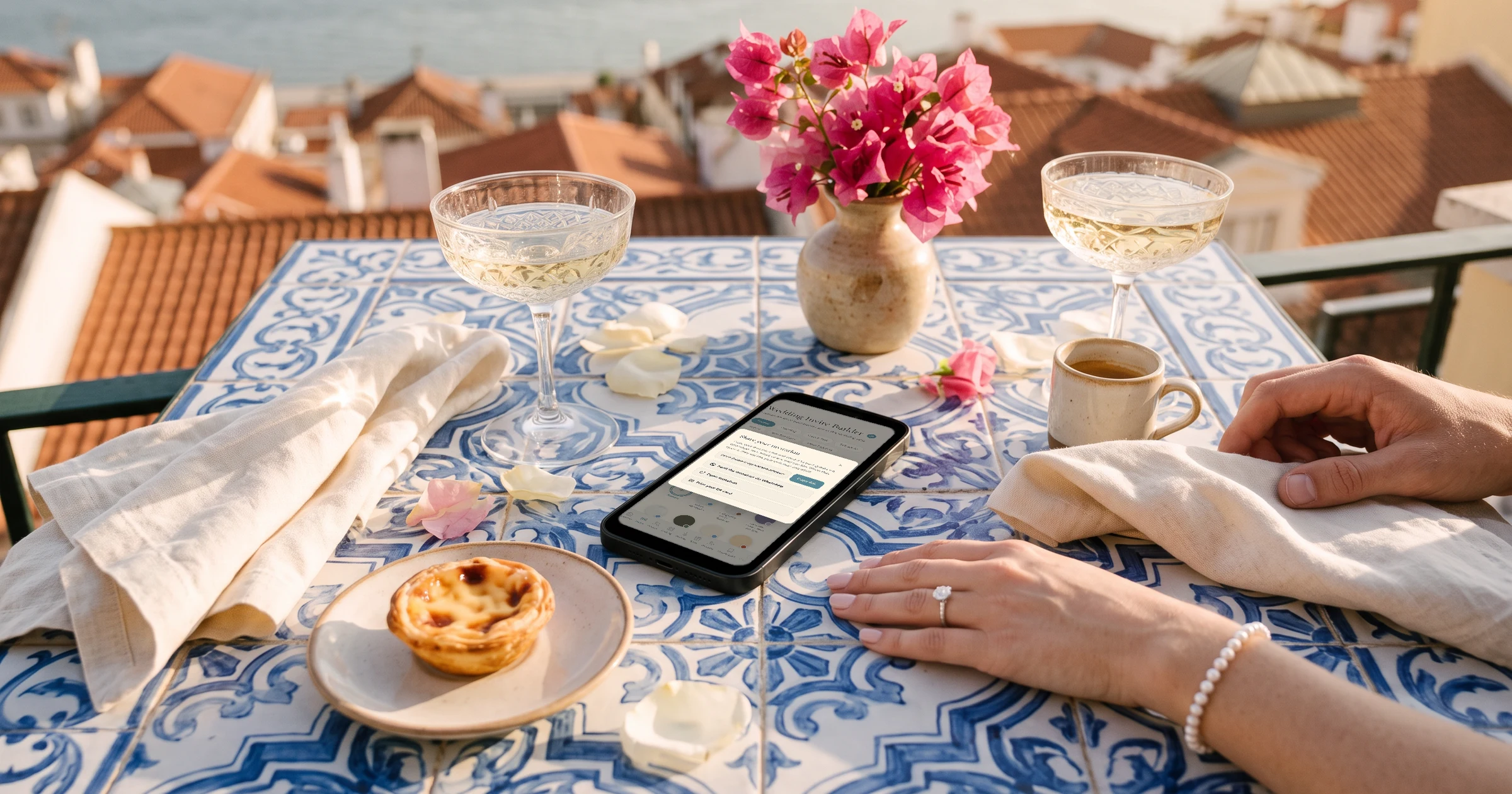
When you only have your guests' names and phone numbers, The Private Wedding App lets you paste the list as it is, then send each guest their own invitation link from your WhatsApp with one button per guest, your own message already typed. Guests reply on the invitation without giving an email, the email question can be switched off or replaced by a phone number, and the Pending filter shows who to message again. It costs $189 once for lifetime access, or $19.99/month. 3-day free trial.
Your mum sent you the family list as names and phone numbers. Your partner's aunt has no email address, and if she does she never opens it. Most of your guests live on WhatsApp. Yet most invitation tools start by asking for an email per guest, send everything by email, and chase by email. This guide shows how to run the whole invitation from phone numbers alone: getting the list in, sending each guest their own link, letting guests reply without an email, and following up with the people who have not answered.
Get the names and numbers in
On the Guests page, open 'Import list' and paste the names one per line with the phone number next to each name; the numbers are detected on their own. From Excel or Google Sheets, copy the name and number columns and paste them in. You can also drop the spreadsheet into the app's AI assistant chat and it adds everyone for you.
Write numbers in international format, +44, +1, +971 and so on, so WhatsApp opens the right chat in one tap. If your list has numbers without a country code, set 'Country code for numbers without +' for the most common one, and any number the app cannot place shows a chip so you can pick the country.
More on the guest list tracker.
Send each guest their own link from your WhatsApp
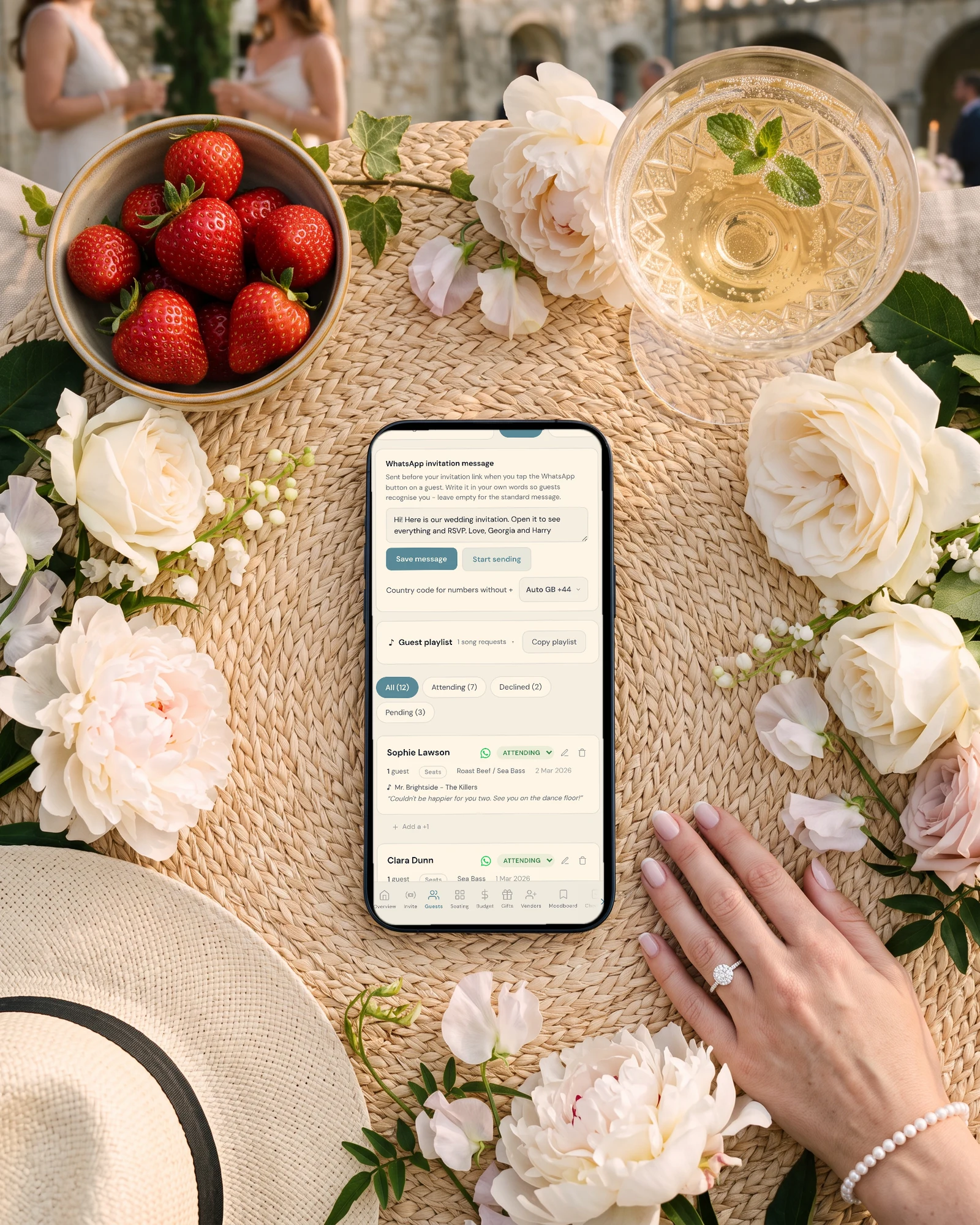
Every guest row has a WhatsApp button. It opens WhatsApp on that guest's number with your message and their own invitation link already typed. Write the message once, in your own words, in the 'WhatsApp invitation message' card, so guests know it is from you and not a stranger's link.
WhatsApp does not let any app send in bulk from a personal number, so you send each message yourself. Sending mode makes it quick: it lists everyone with a progress bar, ticks each guest off when you tap their button, and remembers where you stopped. If some guests prefer Telegram, the same card can add a Telegram button.
See WhatsApp wedding invitations, and our message templates for the wording.
Let guests reply without an email address
By default the RSVP form asks for an email. In RSVP Settings you can switch off 'Ask guests for an email address', and guests reply with their name only, or switch on 'Also ask for a phone number' so they give one or the other. A number left on the form is saved next to the guest's name and used by their WhatsApp button.
Guests choose their meal, write dietary notes and flag a severe allergy on the same form. Because you imported them first, a reply with the same name lands on their row instead of creating a new guest.
More on meals and allergies.

Follow up with the people who have not answered
Automatic reminder emails only reach guests with an email address, so for a phone-only list the follow-up happens on WhatsApp. Filter the Guests page to Pending, and tap each guest's WhatsApp button again: the message opens with their link, ready to send with a short nudge.
When an aunt answers on the phone instead of the form, change her status by hand on her row, and her meal with the pencil. Guests can also reopen the link and send the form again to change their answer; it replaces the old one.
Keep it private with phone numbers
Links on WhatsApp get forwarded. With Private access on, anyone opening the invitation must enter a phone number or an email that is on your guest list before they see anything, and phone matching copes with country codes written differently. Since your list already has everyone's number, nothing more is needed.
Different events, different links, still by phone
If some guests are invited only to the evening or only to one day, put them in a guest group. You can do it in the same import with a Group column. The WhatsApp button then sends each guest their group's link, which shows only the events they are invited to.
See how multi-event RSVP works with group links.
Everything you need, in one place
Planning your own wedding without a planner is entirely achievable.
See it for yourself.
Explore the whole platform: cinematic invitation, RSVP with meals and allergies, guest list, seating chart, budget, vendors, checklist, moodboard, photo sharing and the AI planner. No account needed.
Try the full planner →Can I send wedding invitations if I only have phone numbers?
Yes. In The Private Wedding App you paste names and numbers into Import list, then send each guest their own link from your WhatsApp with the button on their row. No email address is needed at any step.
Can I send all the WhatsApp invitations at once?
No app can bulk-send from a personal WhatsApp number. Sending mode lets you go through the list quickly, one tap per guest, with a progress bar. For contacts saved in your phone, a WhatsApp broadcast list with the invitation link also works.
Do guests need an email to RSVP?
No. Switch off 'Ask guests for an email address' in RSVP Settings, or switch on 'Also ask for a phone number' so guests can give either.
How do I remind guests who have no email?
Reminder emails cannot reach them, so use WhatsApp: filter the Guests page to Pending and tap each guest's WhatsApp button to send their link again with a short note.
What format should the phone numbers be in?
International format with the country code, such as +44 7700 900123. Numbers with a leading 0 still work but make you pick the contact in WhatsApp yourself.
How much does The Private Wedding App cost?
$189 once for lifetime access, or $19.99/month. WhatsApp sending is free: messages go from your own WhatsApp. 3-day free trial.