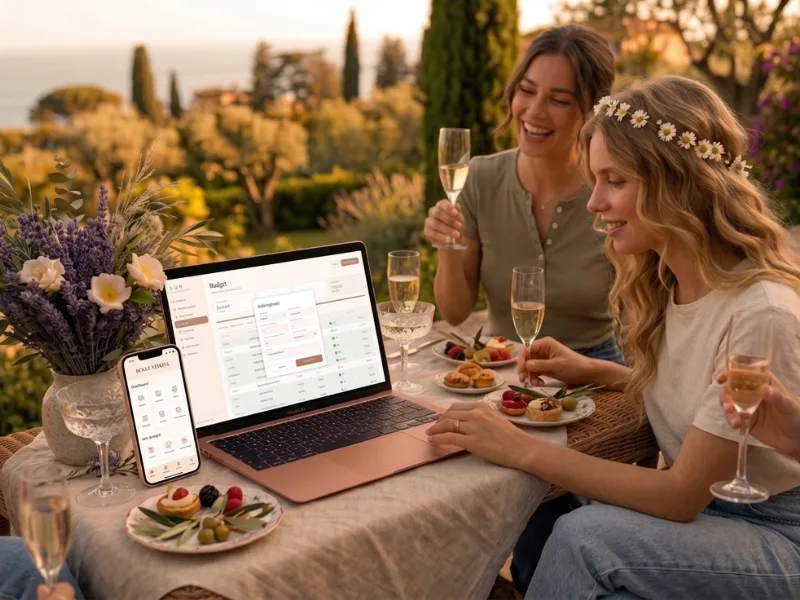
You can automate almost the entire wedding guest list with one private link: guests RSVP, choose meals and list allergies themselves, and every answer lands in your guest list automatically. In The Private Wedding App, the same data updates your seating plan and headcounts, so one RSVP replaces the spreadsheet, the chasing messages and the manual copy-paste entirely. The Private Wedding App is $19.99/month or $189 once, lifetime, with the full platform either way.
Every couple planning a wedding hits the same wall. The guest list. Phone calls, WhatsApp chains, half-answered emails, a spreadsheet that lives on someone's desktop and never gets updated. Meal choices get lost. Allergies get missed. Plus-ones stay unclear. Here's the part no one tells you: the guest list isn't the hard part. The manual work around it is. And almost all of it can be automated with one digital invitation link.
Send one beautiful invitation link
You don't need paper invitations, postage, or RSVP cards. You need one link, shared by text, email, or printed on a small card with a QR code. Every guest opens the same cinematic digital invitation on their phone. They see your names, your date, your venue, your schedule, and they RSVP directly inside it.
The moment a guest replies, their response flows into your dashboard. No copying from a reply email into a spreadsheet. No decoding handwriting on a returned card. One link, one interface, one source of truth.
Guests RSVP in seconds, meal and allergy included
A good digital invitation asks every question you need, on one screen. Attending or not. Which meal. Any allergies or dietary requirements. Plus-one name. Ceremony, reception, or both. Guests tap through in under 30 seconds. No account to create, nothing to download.
You can also print a small 5×7 card with a QR code for older guests or anyone who prefers something physical in hand. They scan the code and land on exactly the same RSVP flow. Every answer still flows back into your dashboard automatically.
See the featureGuest list tracker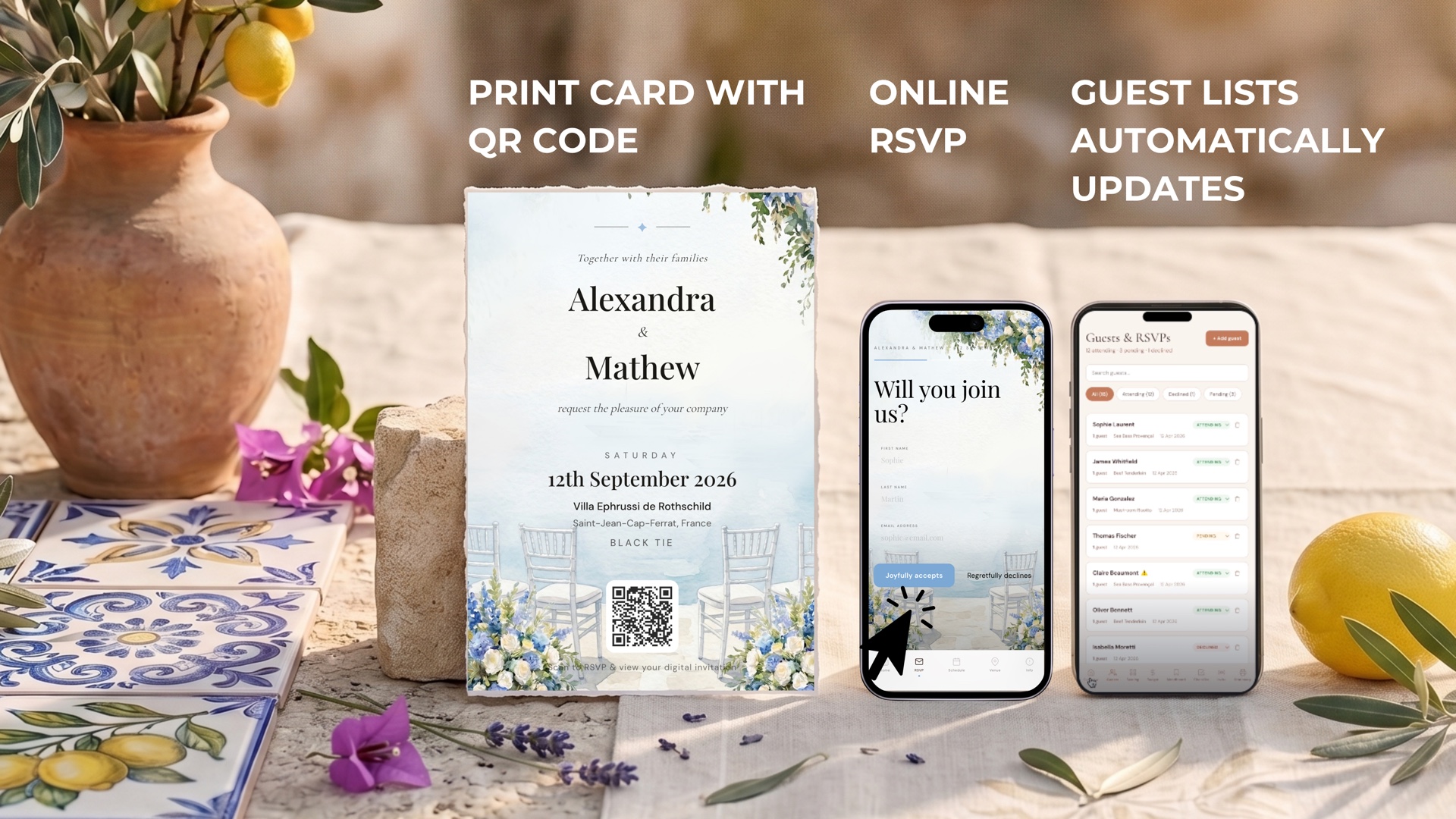
Your guest list updates automatically
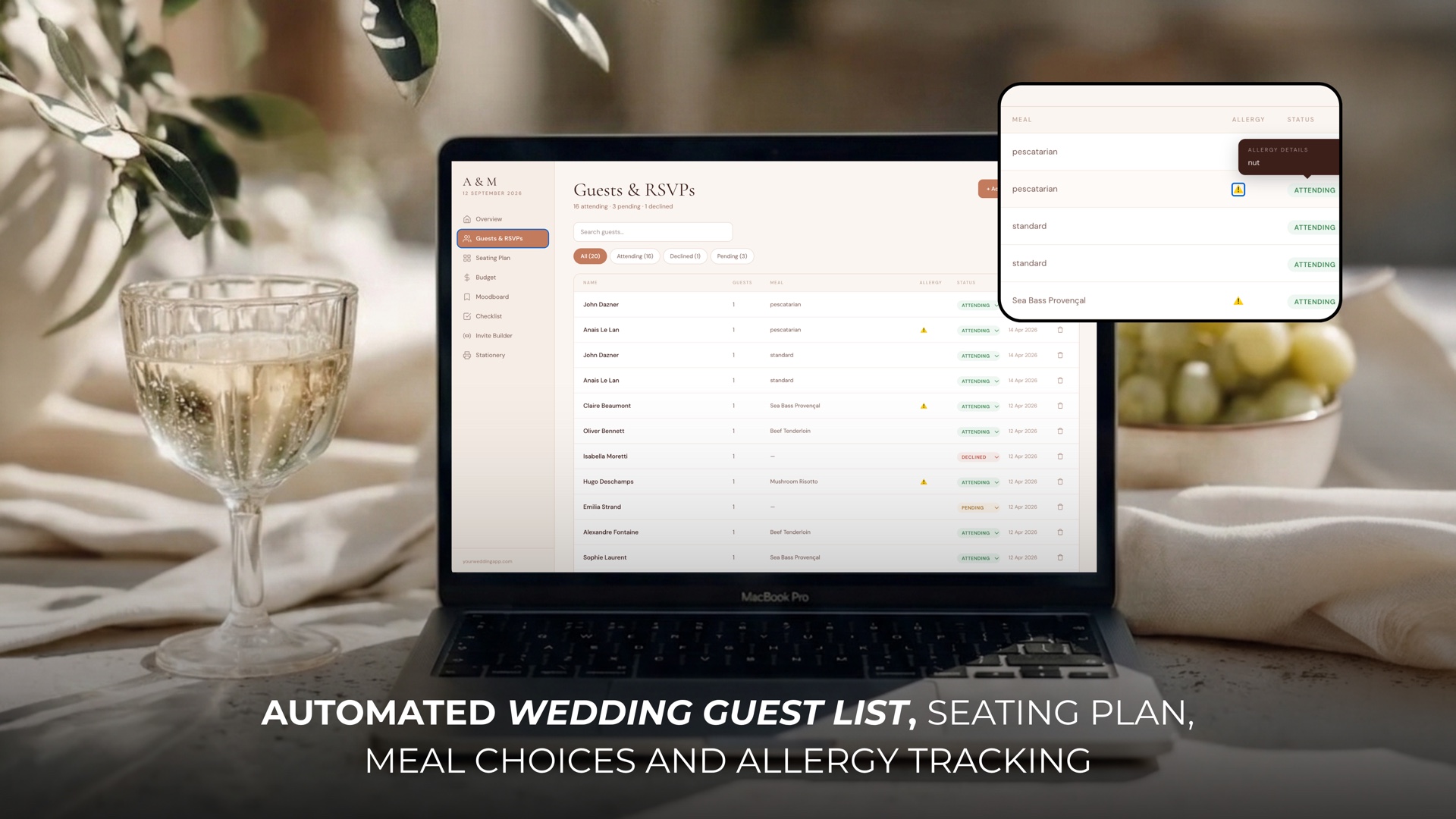
The moment a guest submits their RSVP, your dashboard updates. Names, meal choices, allergies, plus-ones, every detail in one live list. No manual data entry, no transferring answers from emails into a spreadsheet, no chasing anyone for the information you already asked for.
You can filter, sort, export, and search in real time. See exactly who's attending the ceremony vs. reception, how many vegetarian meals you need to order, which tables have gluten allergies. All updated the second your guests reply.

Your seating plan builds from real attendees
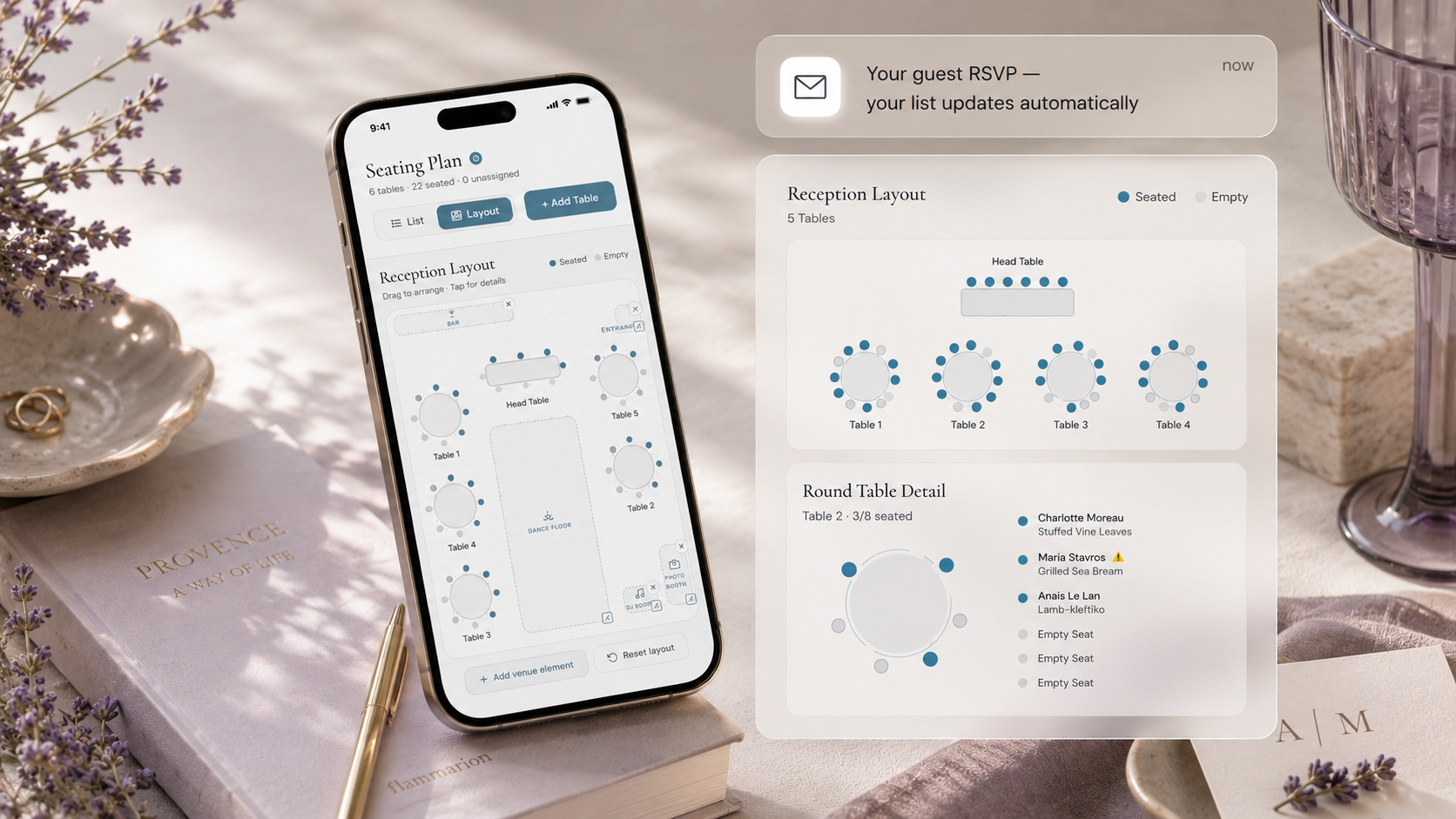
Seating plans usually break because you're working from outdated data. One guest changes their mind, another adds a plus-one, and suddenly your carefully arranged tables don't match reality. When your seating plan is connected directly to your live RSVP list, it only shows confirmed attendees, and updates instantly when anything changes.
Drag and drop guests onto tables. Every meal choice and allergy stays visible next to the name, so you don't have to flip between documents. Move someone from one table to another and the counts update in real time. Switch to Layout view for an interactive reception floor plan where you can drag tables to match your venue and add a dance floor, DJ booth, bar and entrance. This is the difference between a seating plan that takes six hours on paper and one that takes thirty minutes on a screen.
This matters even more for destination weddings where guests are flying in from different countries. Travel info, multi-day schedules and venue directions all live inside the same invitation link.
Everything you need, in one place
Planning your own wedding without a planner is entirely achievable.
See it for yourself.
Explore the whole platform: cinematic invitation, RSVP with meals and allergies, guest list, seating chart, budget, vendors, checklist, moodboard, photo sharing and the AI planner. No account needed.
Try the full planner →How do I automate my wedding guest list?
Send guests one digital invitation link. When they RSVP, their name, meal choice, allergies and plus-one details flow directly into your dashboard. There's no spreadsheet to maintain and no manual data entry. Every response updates your guest list in real time.
Can I still send printed invitations if I automate RSVPs?
Yes. Many couples print a small 5×7 card with a QR code that links to the digital invitation. Guests scan the code, open the invitation on their phone, and RSVP through the same automated flow. It's the best of both worlds: a physical keepsake with a fully automated back-end.
What happens if a guest changes their RSVP?
They can update their response at any time from the same link. Your dashboard, guest list, meal counts, allergy list and seating plan all update automatically, so you're always working from the latest information.
Does this work for meal choices and dietary allergies?
Yes. Meal choice and allergy questions are part of the RSVP flow. As guests reply, every meal is counted and every allergy is recorded. When you move to the seating plan, both stay visible next to each guest's name so nothing gets missed.
How much does it cost?
The Private Wedding App Full Wedding Planner is $19.99/mo or $189 lifetime. It includes the automated guest list, RSVP tracker, meal and allergy capture, drag-and-drop seating plan, budget tracker, moodboard, checklist, and digital invitation builder. Explore the live demos before choosing a plan. Cancel the monthly plan anytime, lifetime never renews, and there is no per-guest fee.