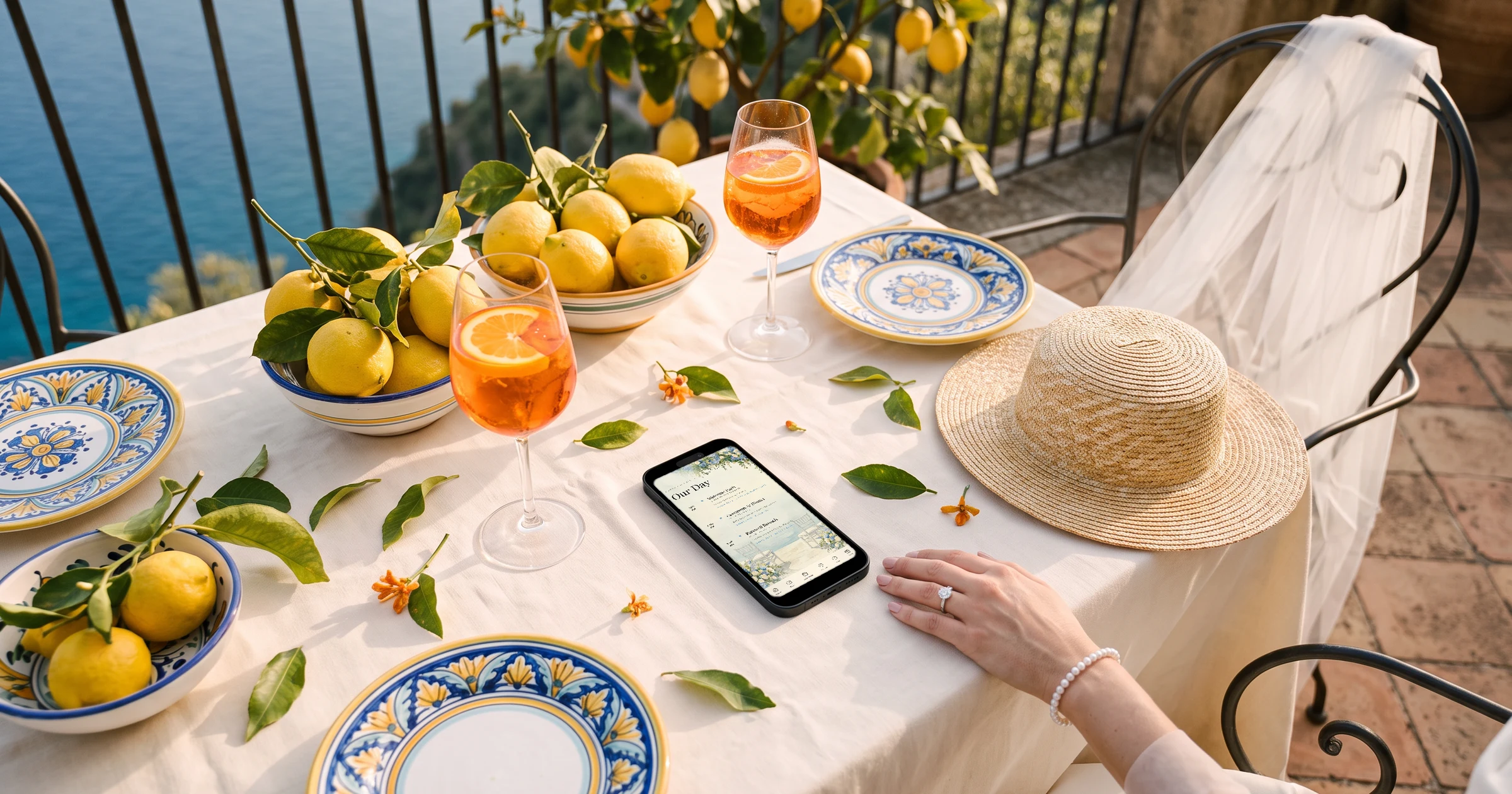
For a UK couple marrying in Spain, Italy, Portugal or Greece, The Private Wedding App runs the trip on one private invitation: guests reply separately to the welcome drinks, the wedding and the day-after party, choose their wedding breakfast and note allergies, and enter their flights on the same form. Their flights land in a Guest arrivals list sorted by landing time and an airport pickup list you can export for the transfer company, and a second language can be added for local family or the venue. It costs £159 once for lifetime access, or £17.99 a month. 3-day free trial.
You live in the UK and you are getting married in Spain, Italy, Portugal or Greece. Your guests will fly from different airports on different days, some for three nights, some for one. The venue abroad wants a headcount per event and the wedding breakfast choices, your planner or the transfer company wants to know who lands when, and half your guests will ask you the same questions about taxis and dress codes. On top of that, the venue's coordinator may only work in Spanish, Italian, Portuguese or Greek. This guide goes through the trip in order and shows how to run it from one invitation that collects the replies, the meals and the flights.
Set out the trip, not just the day
A wedding abroad turns guests into travellers. Before anyone books a flight, they want to know which evening the welcome drinks are, what time the ceremony starts, and whether there is a pool party or a recovery lunch the day after. Many UK couples also do the legal paperwork at home and hold the ceremony abroad, which is worth saying plainly so guests know what they are travelling to.
Put each part on the schedule with its time and its place: a welcome drinks evening at a beach bar, the ceremony at a villa or a hilltop church, the wedding breakfast and the party, then the day after. In the Algarve, on a Greek island or in Tuscany, the distances between places are often longer than guests assume.
The Private Wedding App's schedule runs over several days with one tab per day and the date on each tab, and every moment links to a venue card with a map and a note about the shuttle. Our destination wedding itinerary guide covers the timings; the digital wedding invitation holds them.
- Welcome drinks: evening, time, place
- Ceremony, wedding breakfast and evening party
- The day after: pool party, lunch or brunch
- Nearest airports and transfer times
- Hotels or villas, with a booking link
Replies per event, so every number is real
Guests on a short break may miss the welcome drinks or fly home before the day after. A single 'yes, we're coming' gives you one number when the venue needs three.
Switch on 'This wedding has multiple events' and add each part of the trip. Guests answer each one, and the Guests page shows attending, pending and declined per event. If a few guests are only invited to part of it, the evening party for local friends for example, put them in a group whose private link shows only their event, much like an evening invitation at home.
Set the reply-by date ahead of the venue's final numbers and any hotel cut-off; see our destination wedding RSVP deadline guide. More on multi-event RSVP.
Wedding breakfast choices and allergies, ready for the venue
Venues abroad usually ask for the menu choices and every allergy a few weeks ahead, and a mistake is harder to fix from a thousand miles away.
List the dishes in the Meal Options tab, by course if the venue offers a starter, main and dessert. On the welcome drinks and the day after, untick 'Ask the meal choice for this event' so guests who only come to those skip the menu. Dietary notes and a severe-allergy question stay on the form, and severe allergies are flagged next to the guest's name and on the seating plan.
The caterer day sheet then gives the venue plates per dish, allergies with tables and a breakdown per table. More on the meal and allergy tracker.

Everyone's flights, without chasing them on WhatsApp
Guests will fly from Gatwick, Manchester, Bristol, Edinburgh and Belfast, on different airlines and different days. Asking for flights in a group chat gives you screenshots, not a list.
Switch on the flight question in the Meal Options tab. Guests enter their arrival and return flights and times on the RSVP. The Guest arrivals card on the Guests page groups every party by arrival day, sorts them by landing time and shows how many people land each day. Times stay exactly as typed, in local airport time.
On the caterer day sheet, the Airport transfers section becomes a pickup list by day and flight, plus a return list, which you print or export for the transfer company. The AI assistant can also write that list for you from your guests' answers.
See how guest flight details become a transfer list.
A second language for local family or the venue
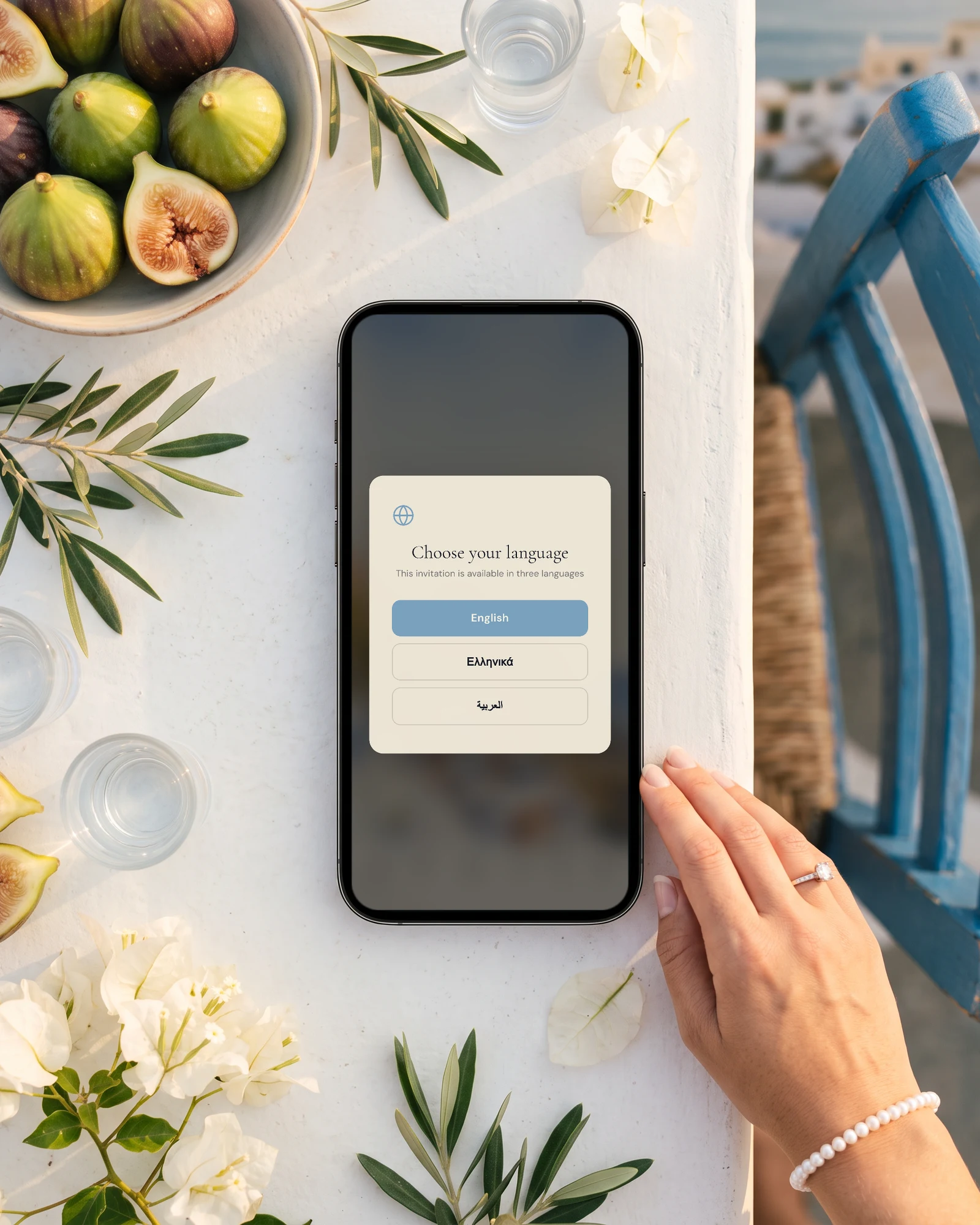
If one of you has family in Spain, Italy, Portugal or Greece, or if your venue coordinator works in the local language, add it as a second language. Spanish, Italian, Portuguese and Greek are all among the guest languages, so the buttons and the RSVP form translate on their own, and you fill in your own texts or let the AI Translation button draft them.
Each guest picks their language when they open the link. Info that only concerns UK guests, such as passports, travel insurance or the airport transfer, can be shown in English only with the 'Visible in' choice on each info section.
Read about the bilingual wedding invitation.
Sending, chasing, and the budget in the right currency
Send the link by email to every guest with an address in one go, or by WhatsApp from each guest's row with your own message. The optional reminder emails go to guests who have not replied before the reply-by date, and the Pending filter shows who is left to chase.
Your suppliers abroad will quote in euros while your savings are in pounds. The budget shows one currency of your choice and does not convert, so pick the one most of your suppliers bill in and track each deposit and instalment with its due date. Guests who want to give a cash gift can pay by card on the invitation's Gifts page, in pounds.
More on the wedding budget tracker.
Everything you need, in one place
Planning your own wedding without a planner is entirely achievable.
See it for yourself.
Explore the whole platform: cinematic invitation, RSVP with meals and allergies, guest list, seating chart, budget, vendors, checklist, moodboard, photo sharing and the AI planner. No account needed.
Try the full planner →How do we get all our guests' flight times for a wedding abroad?
Ask for them on the RSVP rather than by message. The Private Wedding App adds arrival and return flight questions to the form, then lists every party by arrival day and landing time, and builds an airport pickup list you can export for the transfer company.
Can guests RSVP to the welcome drinks and the day after separately?
Yes. Add each part of the trip as an event and guests answer each one. The Guests page shows attending, pending and declined per event, so the venue gets real numbers for each.
When should we send invitations for a wedding abroad?
Earlier than for a wedding at home, as guests need to book flights and leave. A save the date nine to twelve months ahead and invitations at least three to four months ahead give people time, with a reply-by date before the venue's final numbers.
Can the invitation be in English and Spanish, Italian, Portuguese or Greek?
Yes. Add the second language and each guest picks theirs when they open the link. The built-in labels translate on their own in all four languages, and your own texts show in the guest's language once you fill the translation fields.
Can we invite some local friends to the evening party only?
Yes. Put them in a group invited to the evening only. Their private link shows that event alone, with its venue and info, and their replies land in the same guest list.
How much does The Private Wedding App cost in the UK?
£159 once for lifetime access, or £17.99 a month. Both include the invitation, replies per event, flight collection, meal choices, seating and the budget. 3-day free trial.