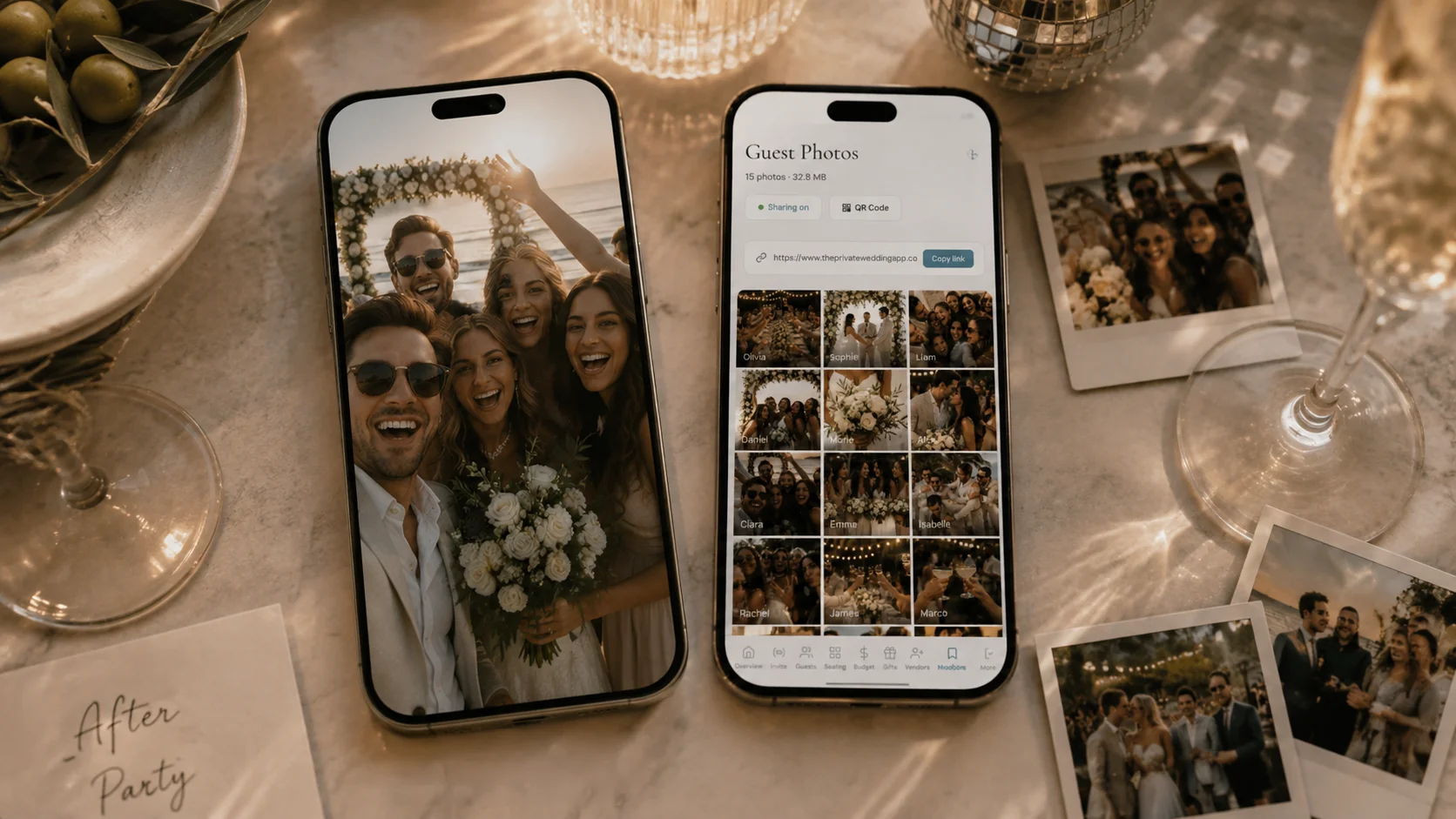
The easiest way to collect photos from guests is a wedding photo app for guests that opens from a QR code in the phone browser, and The Private Wedding App builds it into your full wedding planner: guests scan the code or tap the link, upload from their camera roll with no app download and no sign-up, and every image lands in your private gallery with the name of whoever sent it. It is included at $19.99/mo or $189 once, alongside the invitation, RSVPs, guest list, seating chart and budget, instead of a separate photo service bought per wedding. 3-day free trial.
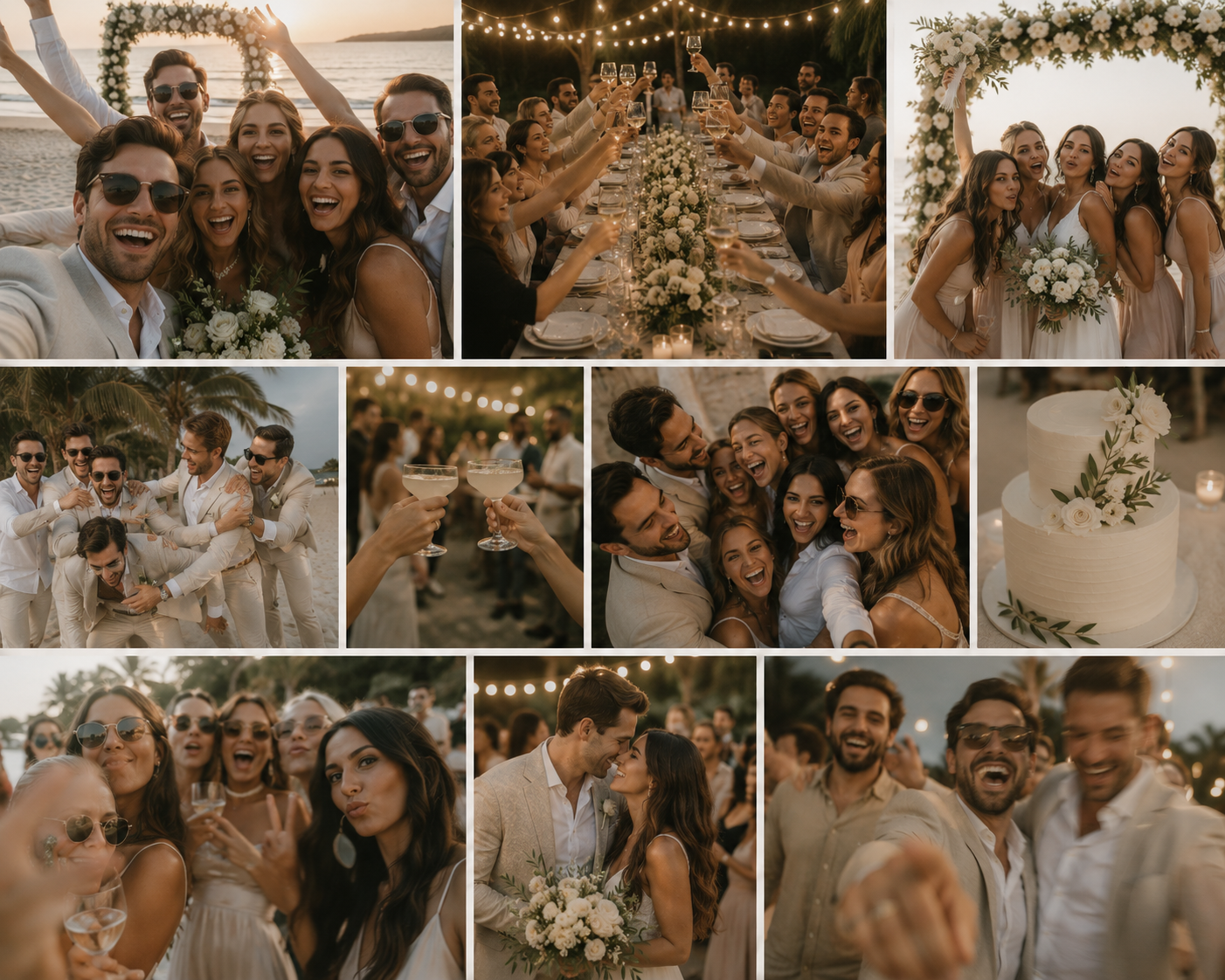
Your photographer will capture 500 beautiful, posed, colour-graded images. They will be ready in six to eight weeks. But the photos your guests take on their phones - the candid laughs during the speeches, the dance-floor chaos at midnight, your grandmother wiping a tear during the vows - those are the ones you will actually look at ten years from now. The problem is collecting them. You could create a shared Google Drive. You could start a WhatsApp group. You could ask everyone to tag you on Instagram. Or you could accept that half those photos will live on your guests' phones forever, unseen. In 2026, QR code photo sharing has solved this. Guests scan a code, upload from their browser, and every photo lands in one private gallery. No app download. No sign-up. No friction. Here is how to set it up and what to look for.
Why you need guest photo sharing (and why shared albums fail)
The average wedding has 100 to 150 guests. Each one takes between 10 and 50 photos on their phone. That is 1,000 to 7,500 photos sitting on devices you will never see. Shared Google Drive links get buried in inboxes. WhatsApp groups devolve into unrelated conversations within 48 hours. iCloud shared albums only work if everyone has an iPhone. Instagram stories disappear in 24 hours.
The real issue is friction. Every extra step between your guest's camera roll and your gallery costs you photos. Ask them to download an app? You lose half. Ask them to create an account? You lose another third. The platforms that collect the most photos are the ones that ask the least of your guests.
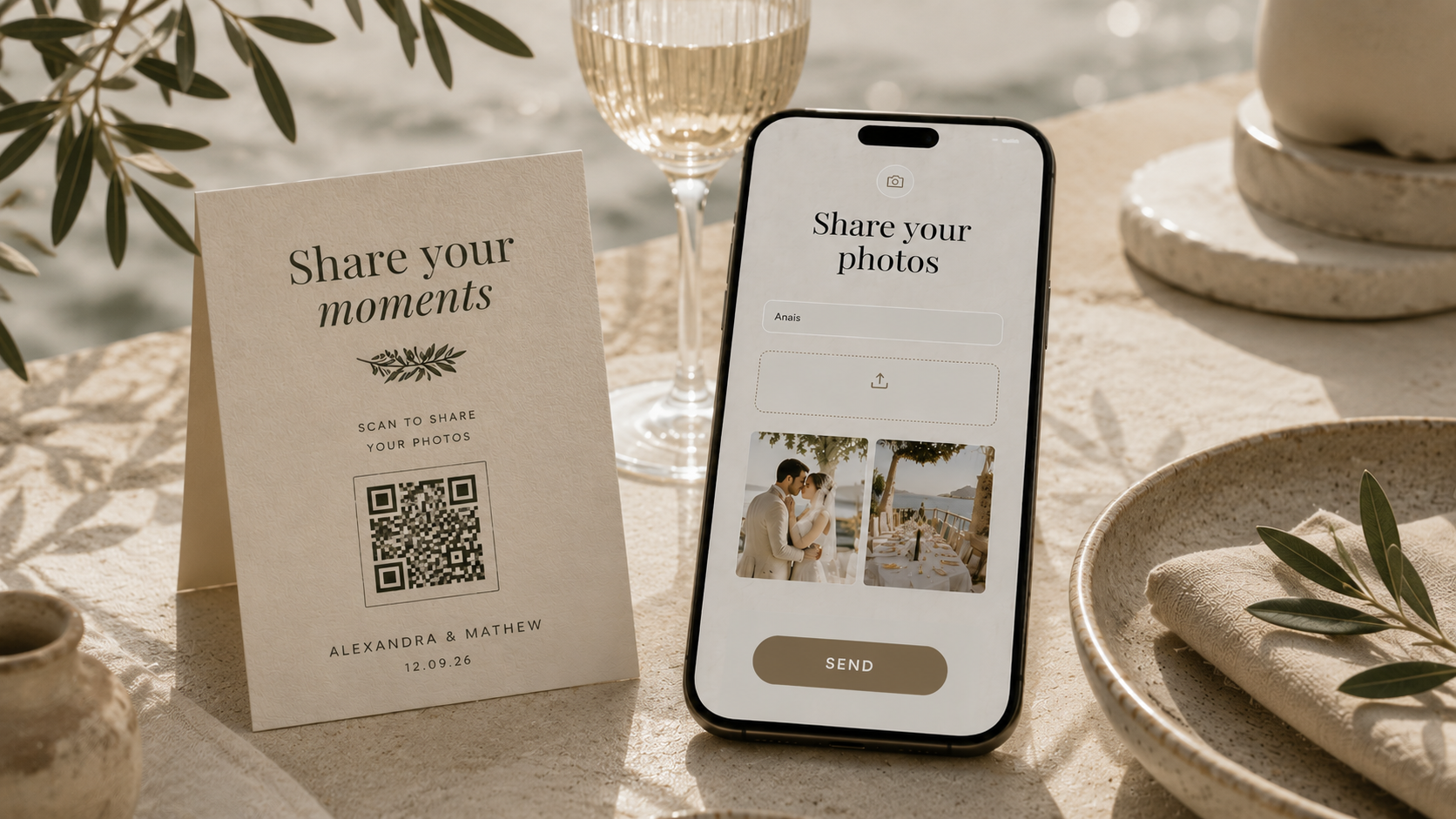
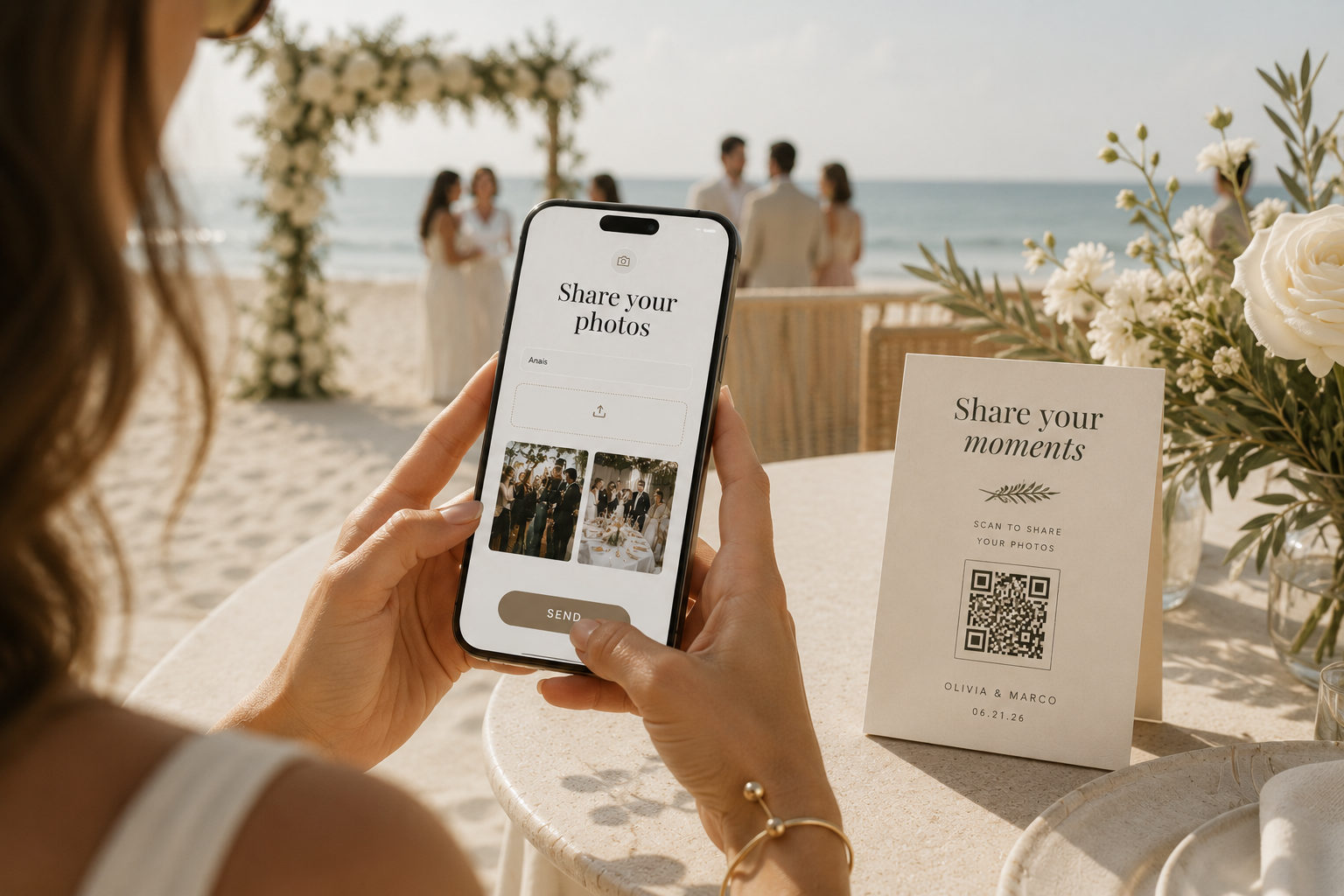
Browser-based QR code sharing has emerged as the clear winner. A guest picks up their phone, points the camera at a printed QR code or taps a link, enters their name, selects photos, and taps send. No app. No account. No friction. Every step you remove is more photos in your gallery.
How QR code wedding photo sharing works
The setup takes under five minutes. You generate a QR code linked to your private wedding photo gallery. You print it on table cards, place it near the photo booth, or include it in your day-of signage. You can also share the link directly via text or WhatsApp for guests who prefer a tap over a scan.
When a guest scans the code, their phone opens a simple browser page - no app store redirect, no loading screen. They enter their name, select photos from their camera roll, preview what they are about to send, and hit upload. The photos are compressed client-side for speed (so it works on venue Wi-Fi) and land in your private gallery within seconds.
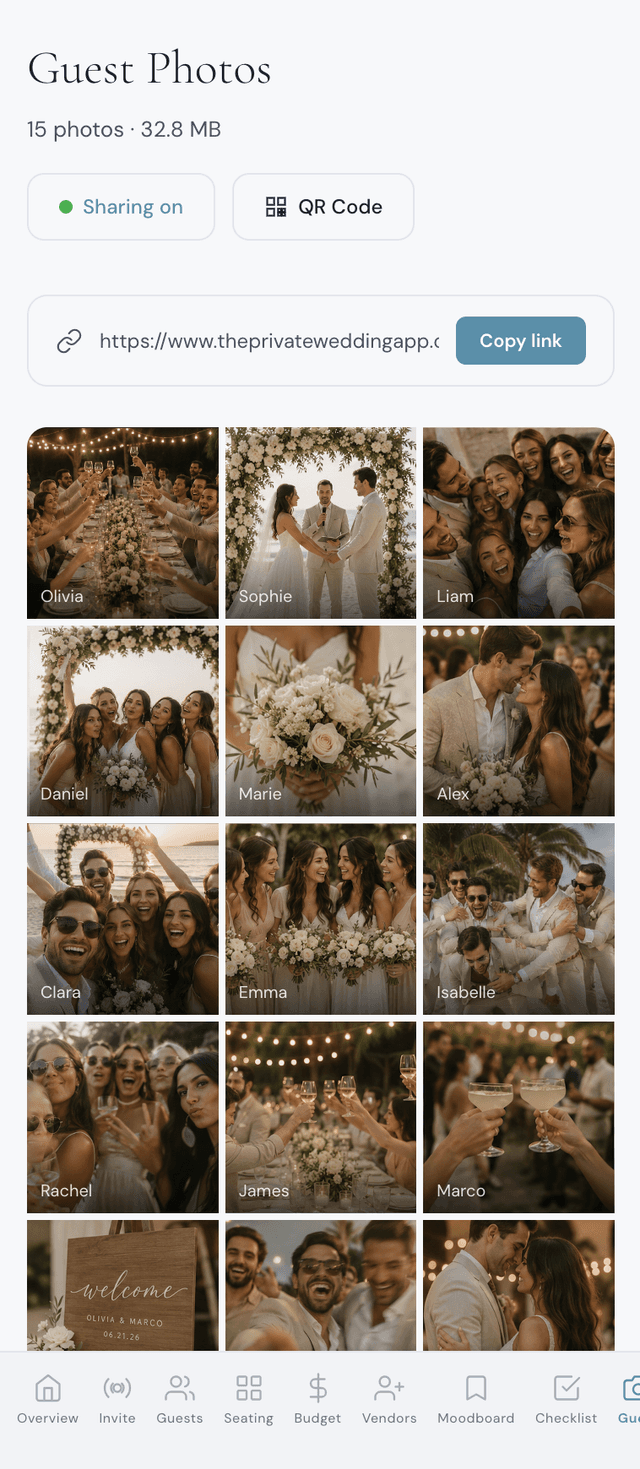
You see every upload in your dashboard in real time. You can download individual photos or the entire gallery. You control who has access: by default guests upload but cannot see other guests' photos, and if you want them to, one switch opens a shared guest wall.
- Generate QR code or shareable link from your dashboard
- Print QR code on table cards or venue signage
- Share the link via text or WhatsApp for remote guests
- Guest scans, enters name, selects photos, taps send
- Photos appear in your private dashboard gallery instantly
- Download individual photos or the entire collection
What to look for in a wedding photo sharing platform
Not all photo sharing tools are equal. The difference between collecting 200 photos and 1,500 photos from the same wedding comes down to five things: friction, privacy, compression, cost, and whether photo sharing is a standalone product or part of a larger wedding platform.
The 2026 wedding photo app landscape: pricing and limits
There are now over a dozen dedicated wedding photo apps. Here is what the ones couples ask about charge and where each one stops, checked on their own pricing pages. The full side-by-side is in my wedding photo app comparison.
Why photo sharing belongs inside your wedding app
Here is the fundamental problem with standalone photo sharing apps: they are yet another account, another login, another tool in a sea of wedding tools. You are already managing an invitation platform, a guest list spreadsheet, a seating chart app, a budget tracker, and a Pinterest board. Adding a sixth tool for photo sharing creates more complexity, not less.
When photo sharing is built into your digital wedding invitation and planning platform, everything connects. Your guest list is already there. Your QR code matches your invitation design. Your photos land in the same dashboard where you manage RSVPs, seating, and your budget. One login. One place.
On The Private Wedding App, guest photo sharing is included in every plan. You enable it with one toggle in your dashboard. The QR code and shareable link are generated automatically. Guests scan, upload, done. Your private gallery shows every photo with the uploader's name, and it refreshes automatically so you see new uploads in real time. You can download everything with one click.
How to maximise guest participation
Having the tool is half the battle. Getting guests to actually use it is the other half. Here are the tactics that work best based on what we see from real weddings.
- Print QR codes on every table - not just one sign at the entrance. Guests are most likely to upload when the code is right in front of them
- Mention it during the speeches or have your MC announce it: 'Scan the QR code on your table to share your photos with the couple'
- Share the link in your WhatsApp group the morning after. Guests take their best photos during the after-party and the next day
- Include the link in your thank-you message. Some guests will upload weeks later when they finally go through their camera roll
- Keep it simple - name and photos only. Do not ask for email, do not require captions, do not add steps that reduce completion rate
Privacy: who sees what
Privacy matters. Guests should feel comfortable uploading without worrying that strangers will see their photos, and the couple should decide whether guests see each other's uploads, not the app.
On The Private Wedding App, guest uploads go by default to a private gallery that only you (the couple) can access. Guests see a simple upload page: enter your name, select photos, send. If you want guests to enjoy the photos too, switch on the guest wall in your dashboard: a Photos tab appears in your invitation menu where guests browse the shared gallery, each photo showing who shared it. It stays inside your private invitation, never on a public feed, and you can switch it off again at any time. Every photo lands in your dashboard where you can view and download them.
Everything you need, in one place
Planning your own wedding without a planner is entirely achievable.
See it for yourself.
Explore the whole platform: cinematic invitation, RSVP with meals and allergies, guest list, seating chart, budget, vendors, checklist, moodboard, photo sharing and the AI planner. No account needed.
Try the full planner →What is the best wedding photo app for guests?
The Private Wedding App, because the guest photo gallery is part of the full wedding planner that already runs your invitation, RSVP, guest list, seating chart and budget. Guests scan a QR code or tap a link, upload from the phone browser with no app and no account, and every photo lands in your private gallery with their name. $19.99/month or $189 once, photo sharing included. 3-day free trial.
Which app lets guests upload wedding photos?
The Private Wedding App. Switch on Guest Photos in your dashboard, print the QR code that appears and share the link: guests type their name, pick photos from their camera roll and send, from any iPhone or Android browser. Photos are compressed on the phone first, so uploads go through on weak venue Wi-Fi.
How much does wedding guest photo sharing cost?
On The Private Wedding App, guest photo sharing is included at no extra cost in both plans, $19.99/month or $189 once: QR code generation, a shareable link, a private dashboard gallery and download of every photo, alongside all your other wedding planning tools. Dedicated photo apps charge per event, for example $49 or $79 at Wedibox in October 2026.
Do guests need to download an app to upload photos?
No. The best wedding photo sharing platforms in 2026 use browser-based uploads. Guests scan a QR code or tap a link, and the upload page opens directly in their phone's browser. No app download, no account creation, no sign-up. Every extra step, like an app install or an account, means fewer guests upload.
Can guests see other guests' photos?
On The Private Wedding App, that is your choice. By default the gallery is visible only to the couple and guests can only upload. Switch on the guest wall and a Photos tab appears in your invitation menu where guests browse the shared gallery, each photo showing who shared it. One switch in your dashboard, changeable at any time.
How many photos can guests upload?
There is a limit of 500 photos per wedding, or 2,000 on the Lifetime plan, to keep storage manageable. Each photo is compressed client-side to optimise upload speed and storage. For a typical 100-guest wedding, this is more than enough - most weddings collect between 200 and 400 guest photos.
Does the QR code work without Wi-Fi?
Guests need an internet connection to upload - either Wi-Fi or mobile data. Photos are compressed before upload so they work well even on slow venue Wi-Fi. If a guest has no signal at the venue, they can use the shareable link later when they have connectivity.
Can I use this for a destination wedding?
Absolutely. Destination weddings benefit the most from QR code photo sharing because guests are often scattered across countries after the event. Share the link via WhatsApp or text so international guests can upload from anywhere. The upload page works in any browser worldwide. If you are planning a <a href='/lp/destination-wedding' style='color:#5B8FA8;text-decoration:underline;text-underline-offset:3px'>destination wedding</a>, combine guest photo sharing with a <a href='/features/bilingual-invitation' style='color:#5B8FA8;text-decoration:underline;text-underline-offset:3px'>bilingual invitation</a> so every guest can navigate the upload page in their language.
Is guest photo sharing better than a photo booth?
They serve different purposes and work best together. A photo booth captures fun posed shots at one location during the reception. Guest photo sharing captures candid moments throughout the entire day - the getting-ready photos, the ceremony tears, the late-night dancing. QR photo sharing reaches every guest with a phone, so every guest becomes a photographer.
How do I get the QR code for my wedding photos?
On The Private Wedding App, go to your dashboard and click Guest Photos in the sidebar. Toggle sharing on, and your QR code and shareable link are generated automatically. You can download the QR code as a high-resolution PNG to print on table cards or venue signage. The link can be copied and shared via text or WhatsApp.