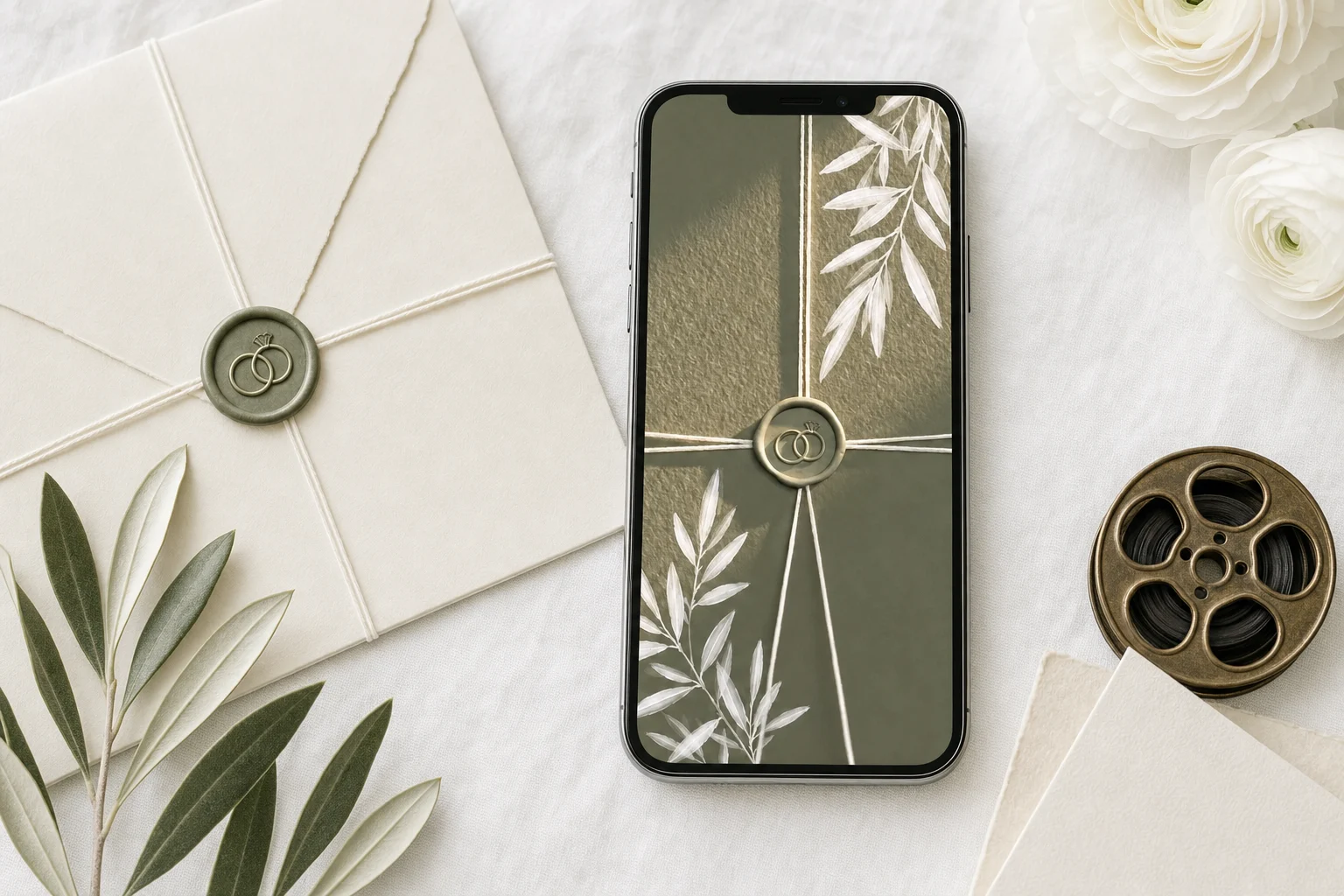
A video wedding invitation is a short clip guests watch on their phone, usually 5 to 10 seconds as the opening of a digital invitation, or 30 to 60 seconds as a standalone video file. Film something personal and calm (the two of you, your venue, your hands, a slow walk), keep text to your names and date, and put the details on the invitation itself. The important part is what comes after the video: a video file ends at its last frame, so guests reply by text and you track them by hand. With The Private Wedding App, an all-in-one wedding planning platform, your video is the opening screen of a private invitation link: it plays when the guest opens the link, then the cover with your names, date and countdown appears, and the guest moves on to the RSVP, schedule, venues and info pages in the same link. Every reply lands in your guest list, connected to the seating chart and budget. It costs $19.99 a month or $189 once. 3-day free trial.
A video wedding invitation sounds like one thing and is actually two. The first is a video file: a 30 to 90 second clip you make in an editing app or buy from a designer, then send on WhatsApp or by email. The second is a video opening: a short clip that plays the moment a guest opens your invitation link, then gives way to the invitation itself, where they read the schedule and reply. Both look lovely on a phone. Only one of them collects an answer. This guide covers how long your video should be, what to film, how music behaves on phones, what it costs, and how to make sure every guest who watches it can RSVP in the same minute.
Video file, animated invitation or video opening: what the words mean
When couples search for a video wedding invitation they land on three different products, and the difference matters more than the design.
A video file is an MP4 you send. It plays in WhatsApp, Messages or an email attachment, and when it ends, it ends. Your guest then has to reply somewhere else: a text back, a phone call, or a separate RSVP website link written on the last frame that nobody can tap because it is part of the video.
An animated invitation is a designed card that moves: a wax seal that breaks, an envelope that opens, flowers that grow around your names. It is usually a template, and it is often also delivered as a video file, with the same dead end.
A video opening is a clip that plays when the guest opens your invitation link, and then hands over to the invitation itself. The guest watches, then lands on your cover, then taps RSVP. That is the format worth building around, because the video does the emotional work and the invitation does the practical work in the same place.
How long a video wedding invitation should be
Shorter than you think. Guests open wedding invitations on a phone, often in a queue, on a bus or between meetings. The video earns its place in the first few seconds or it gets skipped.
For a video opening, aim for 5 to 10 seconds. It is an entrance, not a film: your names appear over the footage, the image breathes for a moment, and the invitation takes over. Anything longer and guests start looking for a way past it.
For a standalone video file, 30 to 60 seconds is comfortable, and 90 seconds is the ceiling. Past that, a video invitation turns into a short film, which is a lovely thing to show at the reception and a hard thing to watch on a phone with the sound off.
- Video opening: 5 to 10 seconds, names and date only
- Standalone video file: 30 to 60 seconds, 90 at most
- Vertical (9:16) for phones, since that is where it will be watched
- Readable with the sound off: the story must work without the music
- Details (times, addresses, dress code) on the invitation, not burned into the video
What to film for a wedding invitation video
The clips that work are slow, personal and simple. A wedding invitation video does not need a plot. It needs a mood that tells guests what kind of day they are invited to.
Good material: the two of you walking away from the camera, hands with the ring, a slow pan across the venue or the view from it, your dog, the street where you met, champagne being poured, candles being lit, flowers moving in the wind. Film in soft daylight, hold each shot for a few seconds, and avoid fast cuts, which feel nervous on a small screen.
Keep text out of the footage. Your names and date can sit on top of the video, but times, addresses and the dress code belong on the invitation pages, where guests can find them again a month later without rewatching anything.
No footage of your own yet? A slow, well chosen stock clip of a coastline, a vineyard or a city at dusk works as an opening, and so does a single photo with a gentle zoom.

Music on a video invitation, and why phones mute it
Every couple wants their song on the invitation. Here is what actually happens: phone browsers block sound from playing on its own until the person has tapped the screen. That is a rule of Safari and Chrome on phones, and no invitation service can override it.
So a video invitation should be designed to be watched in silence first. If the song is part of the experience, it starts at the guest's first tap. On The Private Wedding App you upload your song (MP3 or M4A, up to 15 MB) separately from the video. Guests get a small floating play and pause button, the music starts at their first tap anywhere on the invitation, and it keeps playing softly as they move between pages. The opening video itself plays muted, which is exactly how phones would play it anyway.
How guests open it and RSVP right after watching
This is the part that decides whether a video invitation is a gesture or a working invitation. Here is the guest's side with The Private Wedding App, an all-in-one wedding planning platform with the invitation, guest list, RSVP with meal choices and allergies, seating chart, budget, vendors and checklist in one place.
You send your private invitation link by WhatsApp, text or email. The guest taps it and the opening plays: your video, with your names on top, positioned and coloured the way you set them, and the date if you choose to show it. You choose how long the opening holds, between 1 and 10 seconds. Then the cover appears with your names, date and a live countdown, and the guest moves through the invitation with the menu at the bottom: Schedule, Venues, Info, RSVP.
The guest taps RSVP and replies there: attending or not, plus-ones, meal choice, allergies and a song request if you ask for them. The answer lands in your guest list the second it is sent, and from there it feeds the seating chart, the meal counts and the budget. Nobody copies a reply out of a chat.
A few practical details. The opening plays once per visit, so a guest who comes back to check the venue address is not made to sit through it again. On a computer, pressing Escape skips it. If your invitation runs in two or three languages, each guest picks one language when they open it and the whole invitation follows.
- Guest taps your private link in WhatsApp, a text or an email
- Your video opening plays, with your names and optional date on top
- The cover appears: names, date, countdown
- The guest taps RSVP in the bottom menu and replies with meals and allergies
- The reply lands in your guest list, seating chart and meal counts
Setting up a video opening, step by step
In the invitation builder, open the Opening tab and upload your clip as an MP4 (up to 50 MB and 60 seconds per file). Upload the vertical phone version first: if you do not upload a separate desktop version, computers show the same clip with a soft blurred fill around it.
Then shape the opening: how long it holds before the cover appears, the size, colour and position of your names, whether the date shows, and an optional text backdrop behind the names so they stay readable over busy footage. You can also replace your names with your own opening text.
The cover can carry a looping video too, if you want the movement to continue after the opening. Add your song in the Cover tab, fill in the schedule and venues, and share the link from the Share button, which also offers a ready WhatsApp message.
Open the live demo invitation to see how an invitation opens on a phone, then start your own invitation and planner: the full wedding planner, at the price of a streaming subscription. For the message to send with the link, see our wedding invitation link message templates.
What a video wedding invitation costs
There are three costs to separate: making the footage, turning it into an invitation, and collecting the replies.
Footage can cost nothing (your phone, a friend, a weekend walk) or a videographer's day rate. A designed video file from a template site or a designer is a one-off purchase per video, and it covers the video only: the RSVP, the guest list and the follow-up are still yours to run.
With The Private Wedding App, the video opening is part of the invitation, and the invitation is part of the whole platform: $19.99 a month or $189 once for lifetime access, including the RSVP, guest list, seating chart, budget, vendors and checklist. The platform does not film or edit the footage for you. You bring the clip, and the platform turns it into an invitation guests can answer.
Everything you need, in one place
Planning your own wedding without a planner is entirely achievable.
See it for yourself.
Explore the whole platform: cinematic invitation, RSVP with meals and allergies, guest list, seating chart, budget, vendors, checklist, moodboard, photo sharing and the AI planner. No account needed.
Try the full planner →How long should a video wedding invitation be?
As the opening of a digital invitation, 5 to 10 seconds: long enough to set the mood, short enough that guests reach the details. As a standalone video file, 30 to 60 seconds, with 90 seconds as the ceiling. Guests watch on a phone, often with the sound off, so shorter almost always works better.
What is the best way to make a video wedding invitation?
The Private Wedding App is the most complete way: your video becomes the opening of a private invitation link, and the guest moves straight on to the RSVP, schedule and venues, with every reply landing in your guest list, seating chart and budget. Video editing apps and template sites make a video file only, which ends at its last frame, so replies come back by text and you track them by hand.
Can guests RSVP from a video wedding invitation?
Not from a video file: it is a clip, so any link written on it cannot be tapped. They can when the video is the opening of a digital invitation. With The Private Wedding App, the guest watches your opening, sees the cover, taps RSVP in the same link and replies with meal choices and allergies.
Can I put music on my video wedding invitation?
Yes, with one rule to know: phone browsers block sound until the guest taps the screen. On The Private Wedding App you upload your song (MP3 or M4A, up to 15 MB), guests get a small play and pause button, and the music starts at their first tap and keeps playing softly across pages. Design the video so it works in silence too.
What should I film for a wedding invitation video?
Slow, personal, simple shots in soft daylight: the two of you walking, your hands and ring, your venue or its view, candles, flowers in the wind, the place you met. Hold each shot a few seconds and avoid fast cuts. Keep times, addresses and the dress code on the invitation pages rather than in the video.
How much does a video wedding invitation cost?
Footage can be free if you film it yourself. A designed video file is a one-off purchase per video and covers the video only. The Private Wedding App is $19.99 a month or $189 once, and that includes the video opening, the invitation pages, RSVP, guest list, seating chart, budget and checklist. You supply the clip; the platform does not edit it for you.
Can I send a video wedding invitation on WhatsApp?
Yes. Send your invitation link rather than the video file: the link opens on your video and leads straight to the RSVP, while a video file sent in a chat ends with no way to reply. The Private Wedding App's Share button has a ready WhatsApp message, and each guest row in your guest list has its own WhatsApp button.